
Introduction
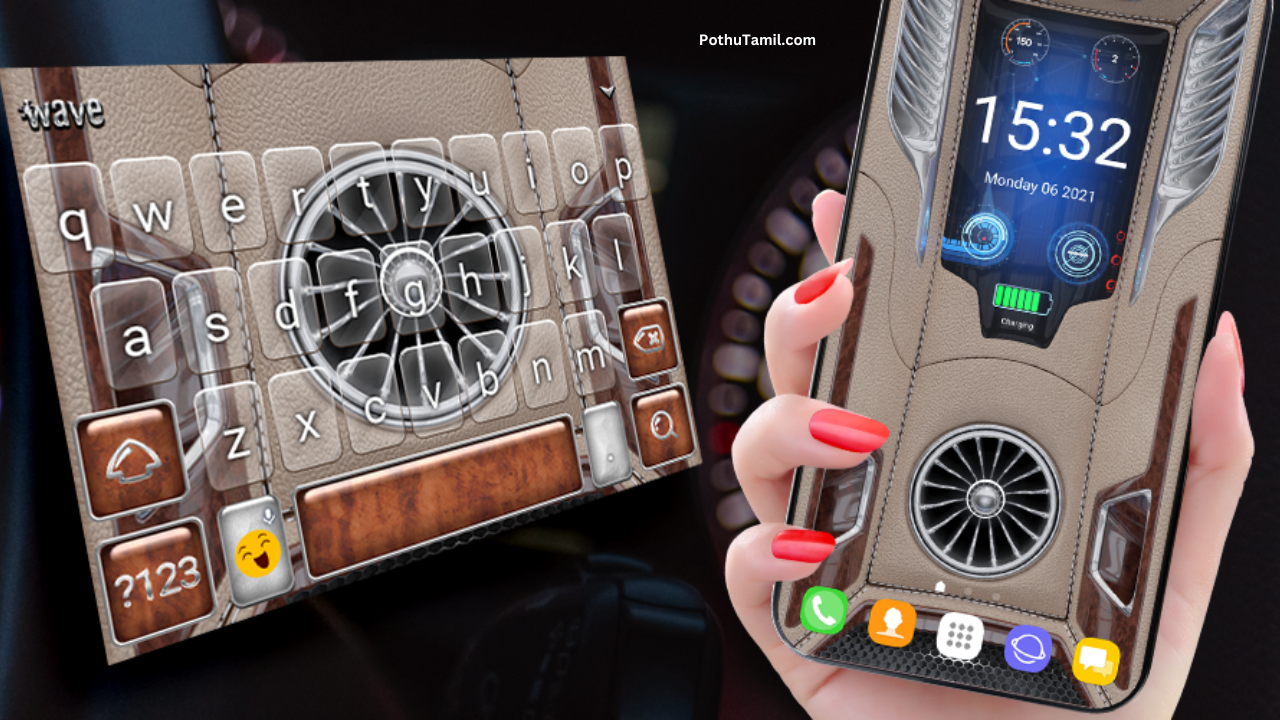
Today’s smartphones are not just tools — they’re expression devices. Many users look for ways to make their home screens more attractive, personalized, and functional. The 3D Wallpaper Clock Widget HD app is a perfect example of such customization tools. It blends stunning 3D wallpapers with interactive clock widgets, allowing users to beautify their home screens like never before.
In this review, we’ll explore what the app offers, how it works, what makes it stand out, and how it can enhance your device’s look and feel. Whether you’re a customization enthusiast or a casual user who wants a modern home screen, this review is for you.
What is 3D Wallpaper Clock Widget HD App?
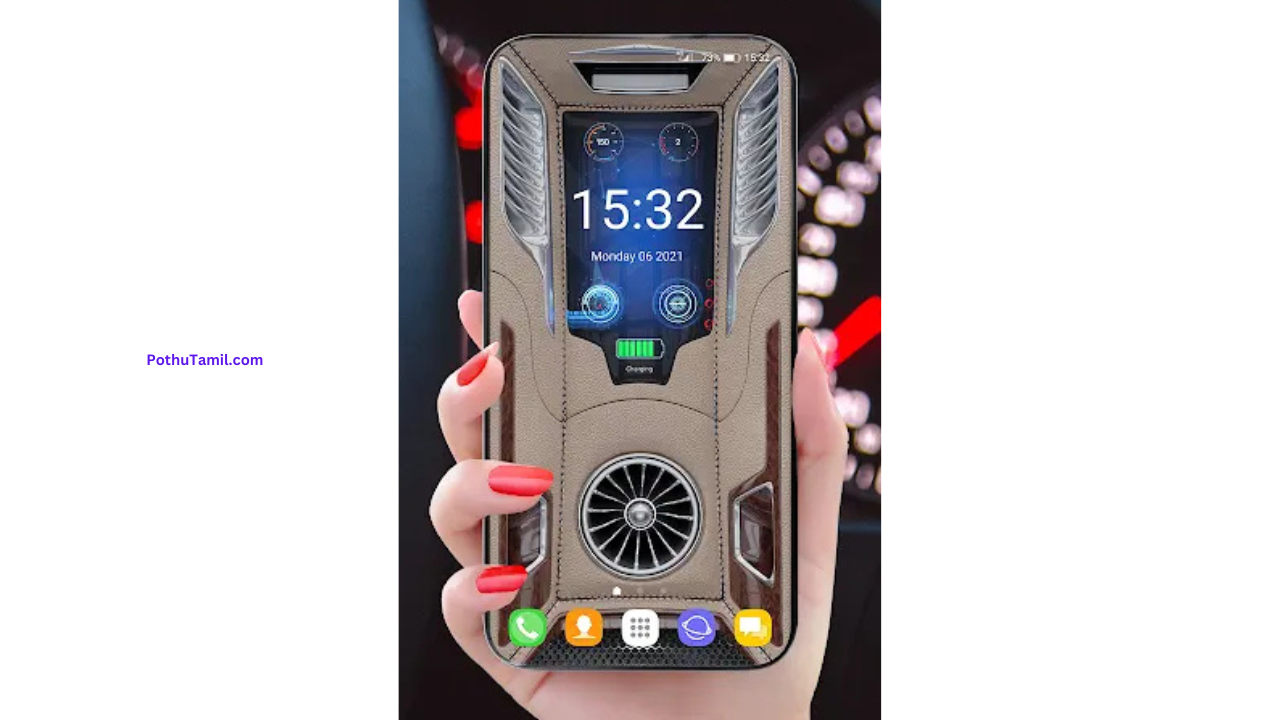
The 3D Wallpaper Clock Widget HD app is an Android application that provides a large collection of high-quality 3D wallpapers and beautiful clock widgets. These wallpapers and widgets are crafted to look fantastic on modern devices, with a focus on clarity, depth, and aesthetic appeal.
Rather than just static wallpapers, the app incorporates 3D visual effects and interactive designs that respond to touch or device movement. Combined with elegant clock widgets, users can build theme-based home screens that reflect their personal style.
User Interface and Design
Clean and Organized Layout
One of the first things users notice is the app’s simple and intuitive interface. The layout is divided into clear sections:
-
Wallpaper Gallery
-
Clock Widget Styles
-
Favorites
-
Settings
-
Help & Support
Each section is easy to navigate, even for first-time users. The wallpapers are displayed with large preview images, making it simple to choose your preferred design.
Live Previews
Before applying a wallpaper or widget, the app shows a live preview so users can see how it will look on their home screen. This reduces guesswork and helps users make a confident choice.
Touch-Responsive Widgets
The clock widgets are not just static decorations — many respond to taps, allowing users to open clock functions or shortcut to alarm settings directly from the widget.
Core Features Explained
High-Quality 3D Wallpapers
At its core, the app offers a growing collection of 3D wallpapers designed with depth, clarity, and vibrant colors. These wallpapers include:
-
Galaxy and space themes
-
Nature and landscape visuals
-
Abstract 3D art
-
Futuristic and neon designs
Each wallpaper is optimized for HD displays, ensuring crisp visuals on both standard and high-resolution screens.
Customized Clock Widgets
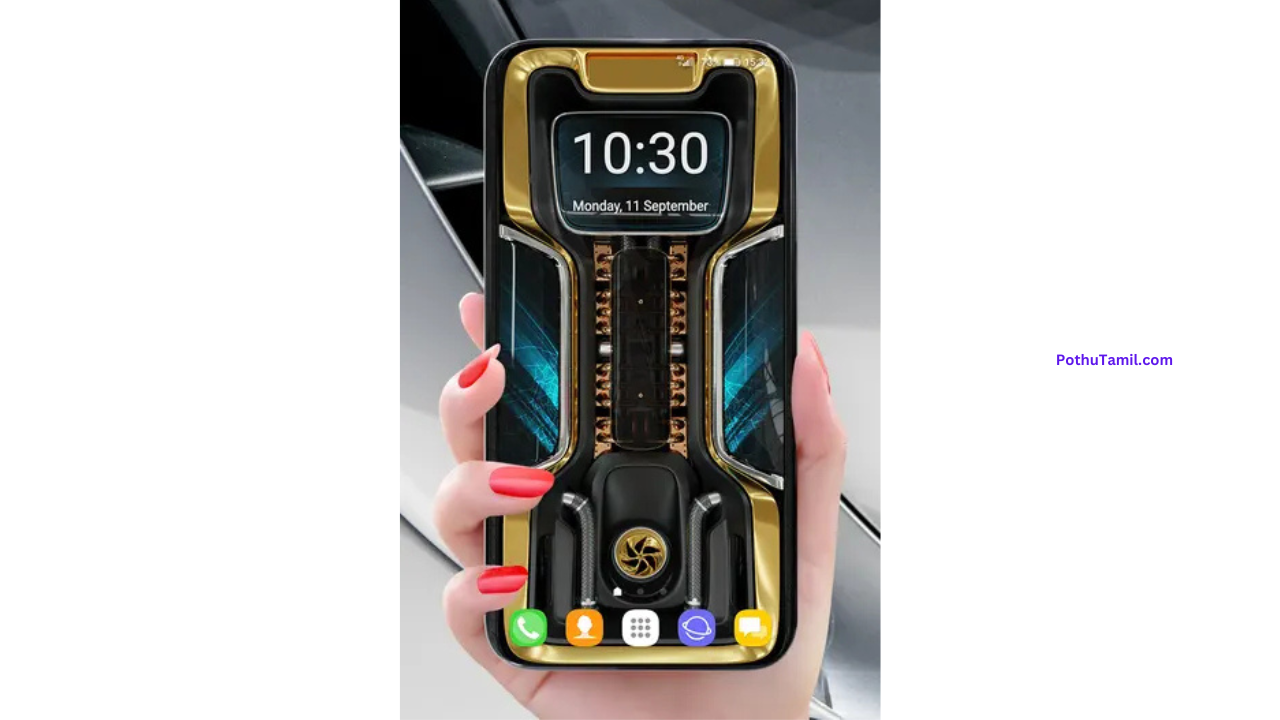
In addition to wallpapers, the app includes beautiful clock widgets that can be placed on the home screen. These widgets vary in style:
-
Minimal and modern
-
Digital and futuristic
-
Analog designs
-
Neon glowing clocks
Not only do they show time, but some styles also include date, weather icons, or battery indicators, blending utility and style.
Theme Collections
The app groups wallpapers and widgets into collections — for example “Cosmic”, “Nature”, “Neon Glow”, or “Minimal Classics”. This makes it easier to choose a consistent theme for your home screen.
Favorites and Easy Management
Users can bookmark wallpapers and widgets to their favorites, allowing quick access later without searching again. This is especially useful for users who like to rotate themes regularly.
Offline Preview and Set Up
After downloading the wallpapers and widgets, users can use them offline without needing a constant internet connection. The app stores the selected images and widget settings locally.
How to Use the App (Step-by-Step)
1. Install and Launch
-
Open Google Play Store.
-
Search for “3D Wallpaper Clock Widget HD”.
-
Tap Install and open the app.
2. Browse Wallpapers
-
Select Wallpapers from the menu.
-
Scroll through categories or featured collections.
-
Tap any wallpaper for a full-screen preview.
3. Set a Wallpaper
-
After previewing, tap Apply.
-
Choose whether to set it for Home screen only or Home + Lock screen.
-
The wallpaper will be applied instantly.
4. Choose a Clock Widget
-
Go to Widgets section.
-
Scroll through clock designs.
-
Long-press the chosen widget and drag it to your Home screen.
-
Customize size and placement if needed.
5. Customize Widget Settings
-
Tap the clock widget once placed.
-
Adjust options like style, color, transparency, or additional elements.
-
Some styles allow you to link shortcuts (e.g., alarm, timer).
Visual Appeal and Real-Life Performance
Stunning Visuals
The 3D wallpapers offer impressive depth and motion illusion. These aren’t flat images — the designs often make users feel like the screen has layers and movement, even when static.
Smooth Performance
On most devices, the app runs smoothly without lag. Applying wallpapers and widgets takes only a few seconds. Even with HD wallpapers, the app manages memory efficiently.
Battery and Resource Impact
Since the wallpapers themselves are static once applied, they don’t drain battery excessively. Only the widget interactions and occasional animations use extra power. Users who prefer simple styles may choose lighter wallpapers to maximize battery life.
3D Wallpaper Clock Widget HD App Specifications Table
| Feature | Details |
|---|---|
| Platform | Android |
| App Type | Wallpapers & Widget Customization |
| Main Functions | 3D Wallpapers, Clock Widgets |
| Preview Option | Live preview before apply |
| Offline Usage | Yes (after download) |
| Widget Interactions | Some widgets respond to taps |
| Categories | Galaxy, Nature, Neon, Abstract |
| Easy Favorites | Yes |
| Required Permissions | Storage / Overlay |
| Suitable For | Customization lovers, daily users |
| Cost | Free + optional premium themes |
Practical Customization Tips
To make the most of the app:
Choose a Consistent Theme
Matching wallpapers and clock widgets from the same theme category (e.g., “Neon Glow”) produces a professional and cohesive look.
Balance Visuals and Battery
If your device battery drains faster, try less dynamic wallpapers or simpler clock widgets to conserve power.
Try Seasonal Themes
Use nature wallpapers during the day and neon or futuristic designs at night for an aesthetic effect.
Keep Favorites Organized
Bookmark wallpapers and widgets you like so you can switch themes quickly.
Benefits of Using This App
-
Vibrant 3D wallpapers enhance looks instantly.
-
Beautiful clock widgets improve home screen utility.
-
Simple setup for users of all experience levels.
-
Live previews help users choose without guesswork.
-
Works offline after setup.
Limitations to Consider
No app is perfect, and here are some limitations:
-
Some wallpapers may not align perfectly on all screen sizes.
-
Clock widgets may require widget-placement knowledge for new users.
-
Animated effect options are limited compared to full live wallpaper apps.
-
Premium themes may be behind in-app purchases (optional).
Despite these small factors, most users find the app easy to use and visually impressive.
Frequently Asked Questions (FAQs)
1. Is this app compatible with all Android devices?
Yes. The app works on most Android versions and screen resolutions, though exact alignment may vary slightly on older devices.
2. Do I need internet access to use wallpapers?
Internet is needed to download wallpapers initially, but once downloaded, they can be used offline.
3. Can the clock widgets show additional info (like date)?
Some clock widgets include additional elements like date, weather icons, or battery level.
4. Will the wallpapers slow down my phone?
No. The wallpapers are static images — once applied, they do not use ongoing resources. Only interactive widgets use extra memory.
Conclusion
The 3D Wallpaper Clock Widget HD App is a highly effective tool for anyone who loves personalization. Its rich collection of 3D wallpapers, combined with beautifully designed clock widgets, helps users create visually appealing homescreens without complexity.
With a simple interface, meaningful customization options, and offline availability, the app meets the needs of both beginners and customization enthusiasts. Whether you prefer cosmic, nature, neon, or modern minimalist designs, this app offers a wide variety of choices.
If you enjoy making your device reflect your personality through stunning wallpapers and functional widgets, the 3D Wallpaper Clock Widget HD app is definitely worth exploring.
Prank call
3d
Sivakrishnan skkttuy Siva Krishnan siva krishnan
Vishva
New look appa da
ஓஓவோவை
Roshan
Rathinagiri
3d
💥💥😊😊😊😊😊
saravan