
Introduction
Smartphones contain personal photos, private conversations, banking applications, work documents, social media accounts, and other sensitive information. Because of this, knowing how your device is being accessed can be useful, particularly when you regularly leave your phone unattended at home, in an office, or around other people.
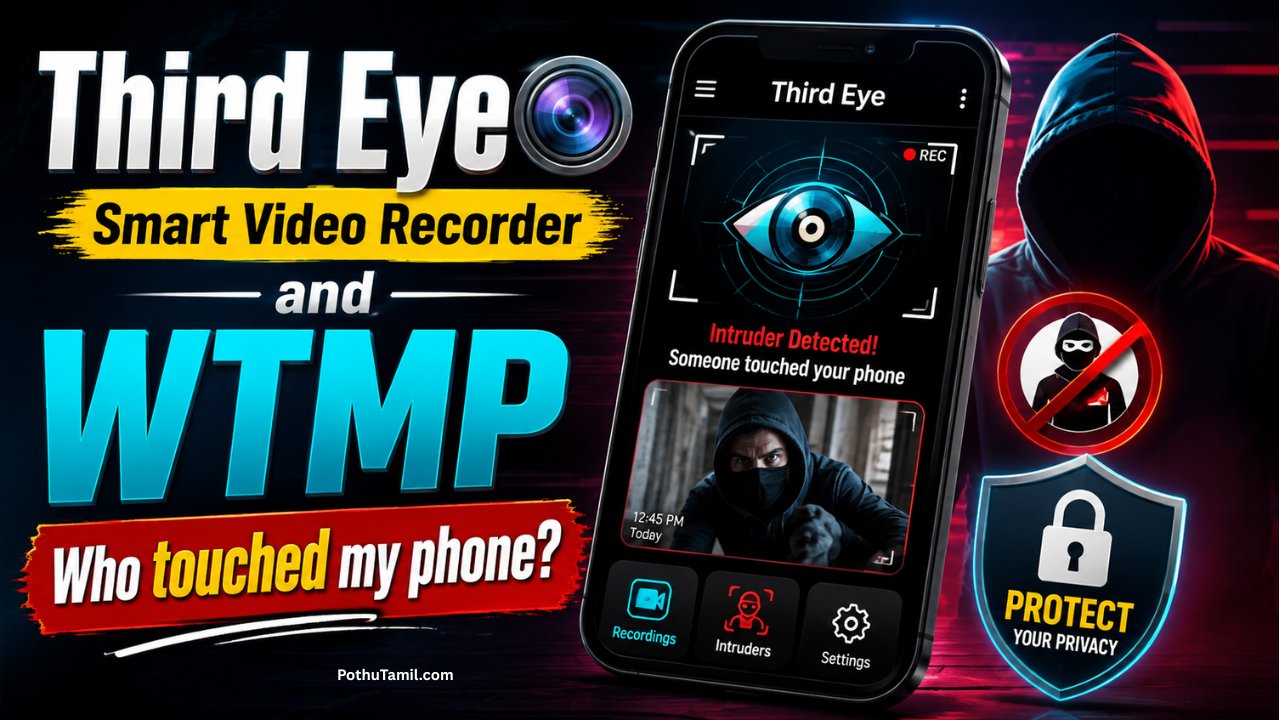
Among the Best Android Apps in the phone-security and monitoring category, Third Eye and WTMP are two applications that focus on identifying unsuccessful access attempts and recording information about phone activity. These apps are designed to provide additional awareness beyond the standard Android lock-screen experience.
Third Eye is generally associated with capturing information after an incorrect unlock attempt, while WTMP focuses on recording activity when someone interacts with the device. Their exact capabilities can vary depending on Android compatibility, permissions, and the latest application version.
This guide compares both applications, explains how their features work, discusses privacy and security considerations, and helps users understand which type of phone-monitoring solution may be more appropriate for their needs.
What Makes Third Eye and WTMP Useful?
Android already provides screen locks, biometric authentication, PIN protection, and other built-in security features. However, these features primarily prevent unauthorized access rather than providing a detailed record of attempted access.
Third-party security applications can add another layer of visibility. Instead of simply seeing that your phone is locked, an activity-monitoring application may provide information about unsuccessful unlock attempts or interactions with the device.
This can be particularly useful when you suspect that someone has tried to access your smartphone while you were away.
The important point is that these applications should be treated as supplementary security tools rather than replacements for Android’s built-in protection.
Third Eye App Overview
Third Eye is an Android security-oriented application associated with detecting unsuccessful phone unlock attempts. Its purpose is to help users understand whether somebody has attempted to access a protected device.
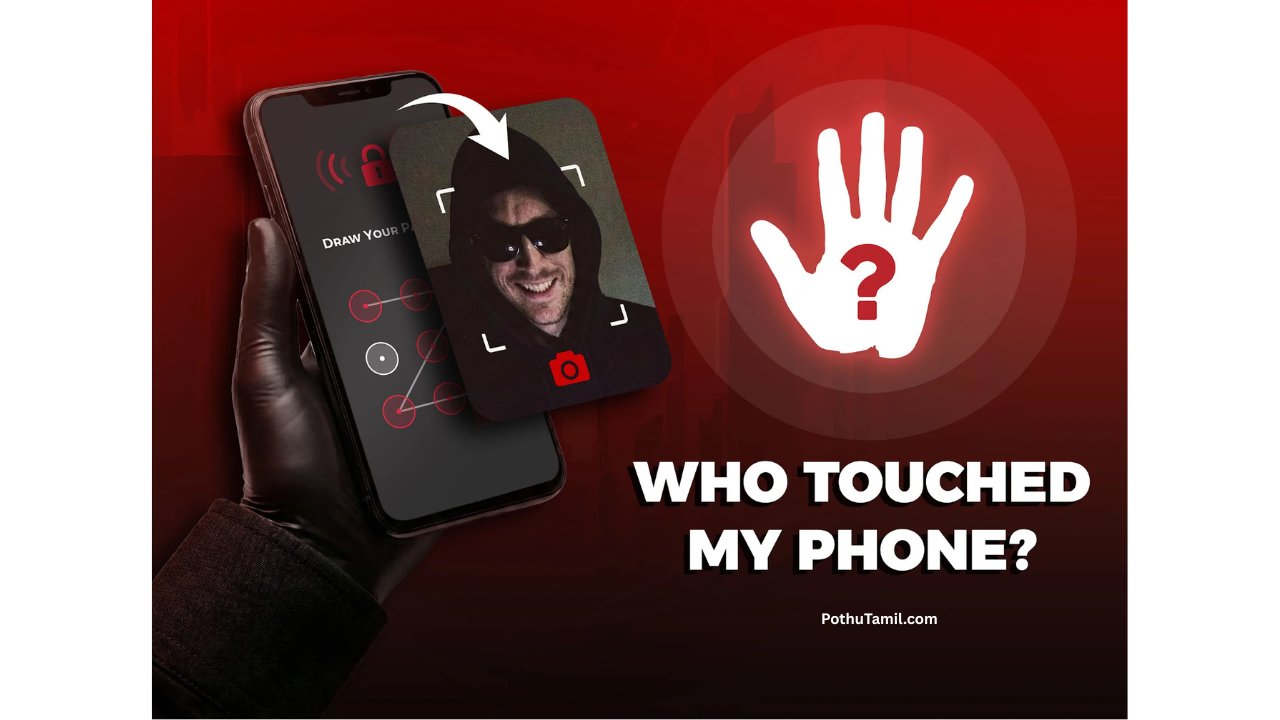
Depending on the version installed and the permissions granted, the application may capture information following an incorrect password, PIN, or pattern attempt. This can provide useful evidence that somebody interacted with the lock screen when the owner was not present.
For users who want an additional layer of awareness, this type of feature can complement the standard Android security system.
WTMP App Overview
WTMP is another Android application focused on monitoring activity around the device. The name is commonly associated with the concept of identifying who interacted with the phone.
Depending on its implementation and current permissions, WTMP can record information about device activity and may use the front-facing camera to capture an image when particular interaction conditions are met.
This makes it different from a conventional screen-lock application. Instead of only preventing unauthorized access, the application is intended to provide users with additional information about interactions with their device.
Third Eye vs WTMP
Both applications have a similar overall purpose, but their approaches can differ.
| Feature | Third Eye | WTMP |
|---|---|---|
| Main Purpose | Detect unauthorized unlock attempts | Monitor device interaction |
| Security Focus | Failed access attempts | Activity awareness |
| User Awareness | Helps identify attempted access | Helps identify device interaction |
| Camera-Based Features | May depend on version | May depend on version and permissions |
| Best For | Users concerned about failed unlock attempts | Users wanting broader activity information |
Because applications change through updates, users should verify the current Google Play listing and permissions before installing either application.
How These Apps Can Improve Phone Security
The biggest advantage of monitoring applications is awareness. If your phone is normally protected by a PIN or biometric lock, you may never know whether somebody has attempted to unlock it.
An application that records unsuccessful attempts can provide an additional indication of suspicious activity. This may be useful when troubleshooting security concerns or simply understanding how frequently somebody interacts with the device.
However, no third-party application can guarantee complete protection. A strong device password, updated Android software, secure biometric authentication, and responsible app permissions remain the foundation of smartphone security.
Important Features to Consider
When evaluating the Best Android Apps for phone security and monitoring, users should look beyond a single feature. Reliability, privacy, compatibility, permissions, battery consumption, and developer support are all important considerations.
Third Eye may appeal to users primarily interested in failed unlock detection. WTMP may be more suitable for users interested in broader device interaction monitoring.
The right choice therefore depends on the type of information you want to receive rather than simply choosing the application with the largest feature list.
Privacy and Permission Considerations
Security applications can require sensitive permissions because certain monitoring features depend on access to device functions. Users should therefore examine permissions carefully before installation.
Camera access deserves particular attention when an application uses the front camera for activity detection. Users should understand when the camera may be activated and how captured information is stored or processed.
Likewise, accessibility, notification, device-administrator, or background permissions should only be granted when they are clearly required for the application’s advertised functionality.
A useful rule is simple: never install a security application solely because it promises advanced monitoring; first understand what information it can access.
Security Best Practices
Third-party monitoring applications work best when combined with Android’s built-in security features.
- Use a strong PIN or password rather than an easily guessed combination.
- Keep Android and security-related applications updated.
- Download applications from reputable official sources.
- Review permissions before and after installation.
- Remove applications that request unnecessary access.
These practices can significantly improve the overall security of a smartphone.
Battery and Performance
Background monitoring can consume additional battery and system resources. Applications that remain active continuously may use more power than ordinary utility applications.
Performance can also vary depending on Android version, device manufacturer, available memory, and the permissions granted to the application.
Before using a monitoring application permanently, users should observe battery consumption and device performance. If an application causes excessive battery drain or unusual system behavior, reviewing its permissions or uninstalling it may be appropriate.
Who Can Benefit From These Apps?
These applications may be useful for smartphone owners who want additional awareness about unauthorized access attempts. They can also be useful for people who frequently leave their phones in shared environments such as offices, homes, classrooms, or travel situations.
However, these tools should be used primarily on devices that you own or have explicit permission to monitor. Using monitoring technology to secretly observe another person’s device can create serious privacy and legal concerns.
Free vs Premium Security Features
Some Android security applications provide basic functionality at no cost while offering optional premium features through subscriptions or in-app purchases.
Premium features can vary considerably between applications. They may include additional activity records, customization options, advertising removal, or extended monitoring functionality.
| Category | Free Access | Premium Access |
| Basic Monitoring | Usually available where supported | Included |
| Activity Information | Limited depending on app | Potentially expanded |
| Advertisements | May be present | May be reduced or removed |
| Advanced Features | Limited | May be available |
Always check the current pricing and feature description inside the official application listing because subscription models can change.
Is Third Eye or WTMP Better?
There is no universal winner because the applications serve slightly different purposes.
If your primary requirement is identifying unsuccessful attempts to unlock your phone, Third Eye may be the more relevant option. If you want an application focused more broadly on detecting device interaction, WTMP may better match your requirements.
The most important consideration is compatibility with your Android version and whether the application’s current permissions and privacy practices are acceptable to you.
Are These Apps Safe?
The safety of any Android application depends on its developer, distribution source, permissions, data practices, and current software version.
Users should preferably obtain applications through reputable official app stores and review recent user feedback before installation. It is also sensible to examine the developer information and privacy disclosures rather than relying only on promotional claims.
No third-party application should be considered a replacement for Android’s native security controls.
Frequently Asked Questions
What are the Best Android Apps for knowing who touched your phone?
Third Eye and WTMP are examples of Android applications designed to provide additional awareness about device access or interaction. Their functionality depends on the current version and device compatibility.
Can these apps identify an unauthorized user?
They may provide information such as an unsuccessful unlock attempt or, where supported, an image associated with device interaction. However, they cannot guarantee identification of a person.
Do these applications replace a phone password?
No. A strong PIN, password, pattern, or biometric lock should remain the primary protection for your smartphone.
Do monitoring applications use the camera?
Some applications may use the front-facing camera for specific security or activity-monitoring features. Camera permissions should therefore be reviewed carefully.
Can these apps work on every Android phone?
Not necessarily. Android versions, manufacturer restrictions, permission systems, and background-process limitations can affect functionality.
Are premium versions necessary?
Not always. Basic functionality may be sufficient for many users, while premium features can be useful for people who need additional monitoring or customization.
Final Verdict
Third Eye and WTMP are interesting options for users searching for the Best Android Apps that provide additional awareness about phone access and device interaction. Third Eye is more closely associated with failed unlock monitoring, while WTMP focuses on broader activity awareness.
Neither application should replace Android’s built-in security features. Instead, they can be considered supplementary tools for users who want more visibility into activity around their own devices.
Before installing either application, check the latest version, Android compatibility, permissions, privacy policy, pricing, and developer information. Combining a trusted security application with a strong device password, updated software, and careful permission management provides a more responsible approach to protecting personal smartphone data.
Hii
Hello
Jesus Tamil song