
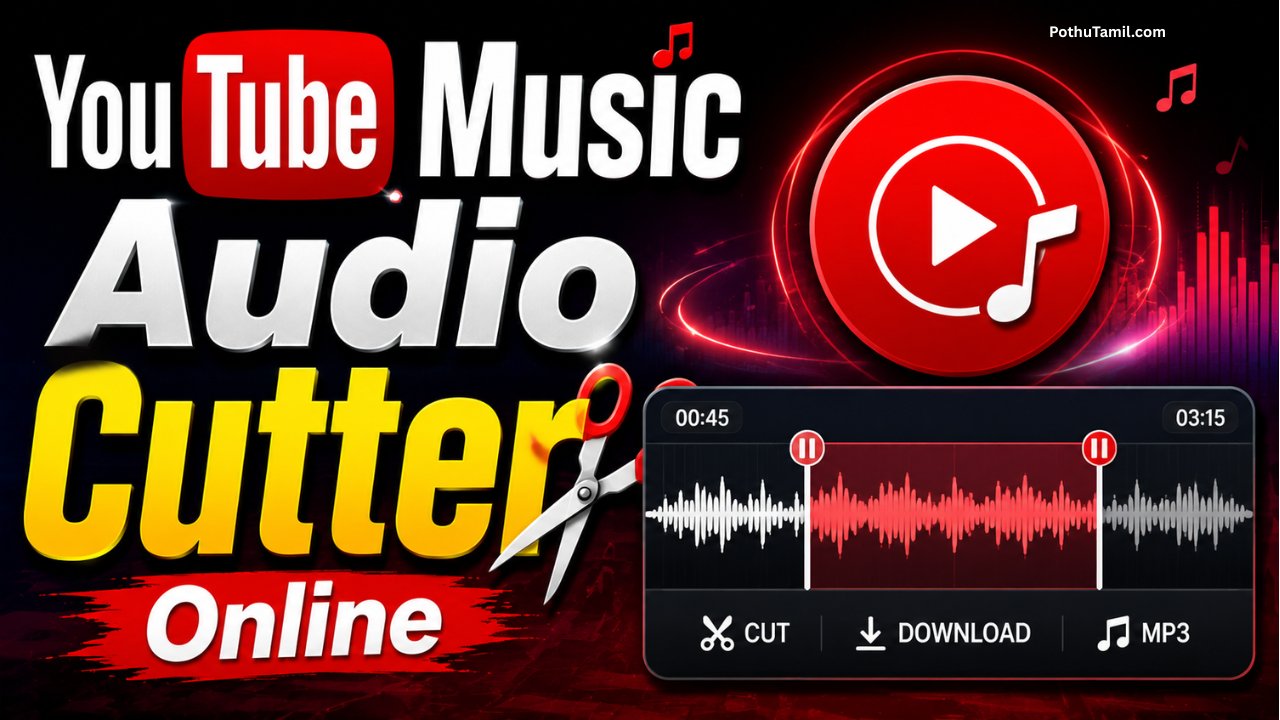
Music editing has become much easier with browser-based audio tools. Instead of installing complex desktop software, users can now access online editors for simple tasks such as trimming audio, creating short clips, adjusting sections, and preparing sound files for personal projects.
YouTube Music is widely used for discovering and listening to songs, playlists, albums, podcasts, and other audio content. When users want to create a short audio clip from content they are legally permitted to edit, an online audio cutter can provide a convenient workflow.
A browser-based audio cutter can be especially useful for creators, students, editors, and casual users who need basic audio trimming without learning professional editing software. However, copyright and platform terms are important considerations when working with online music content.
This guide explains how online audio cutting works, the features worth looking for, supported formats, privacy considerations, and safe ways to use audio editing tools with YouTube Music content.
What Is an Online Music Audio Cutter?
An online audio cutter is a web-based editing utility that allows users to select a portion of an audio file and save the selected section as a separate file.
Unlike traditional audio-editing software, online tools generally work directly through a web browser. Users upload an audio file, select the starting and ending points, preview the result, and export the edited file when the tool supports that format.
The process is useful when the user already has a legally obtained audio file and only needs basic trimming functionality.
How YouTube Music Fits Into Audio Editing
YouTube Music is primarily a music streaming service rather than a general-purpose audio-editing platform. Its content is provided for listening through the service, and availability of downloads or offline playback depends on the features and permissions provided by the platform.
An important distinction is that an audio cutter edits an audio file; it does not automatically grant permission to copy, extract, or redistribute copyrighted music.
For this reason, users should only edit or export audio when they have the necessary rights or permission to do so.
Main Features to Look For
A good browser-based audio cutter should provide a straightforward interface and useful editing controls.
Common features include:
- Start and end time selection.
- Audio waveform preview.
- Play and pause controls.
- Trim and cut functions.
- Multiple audio format options.
- Download or export functionality.
The exact features vary between online services, so users should check the current tool specifications before uploading files.
Audio Cutting Process
The basic workflow is usually simple. First, users select an audio file they are authorized to edit. The browser tool processes the file and displays an audio timeline or waveform.
Users can then choose the section they want to keep by adjusting the beginning and ending points. A preview function can help confirm that the selected portion starts and ends correctly.
After confirming the selection, the user can export the trimmed audio in an available format.
| Editing Stage | What Happens |
|---|---|
| Upload | Select an authorized audio file |
| Select | Choose the required section |
| Preview | Check the selected audio |
| Export | Save the edited result |
Why Browser-Based Audio Tools Are Convenient
Online audio editors are attractive because they eliminate much of the setup associated with traditional editing applications.
Users generally do not need advanced audio-engineering knowledge to trim a short clip. A browser-based workflow can also be convenient when working from different computers because the editing interface is accessible online.
For simple tasks, this can save time compared with installing a full professional audio workstation.
Supported Audio Formats
The formats supported by an online cutter depend on the specific service. Common audio formats across web-based editors can include MP3, WAV, M4A, AAC, and OGG.
However, compatibility should always be confirmed before uploading a file.
WAV files generally prioritize uncompressed audio quality, while formats such as MP3 use compression to reduce file size. The best choice depends on whether the priority is quality, storage space, or compatibility.
Audio Quality After Trimming
Simply trimming an audio file does not necessarily require major quality changes. However, the export process can affect quality when the tool re-encodes the audio.
Users who want to preserve quality should select an appropriate output format and avoid unnecessary conversions.
For professional projects, keeping an original copy of the source file is also recommended so that future edits can be made without repeatedly processing the same audio.

Privacy and Security
Uploading audio to an online service means the file may be processed through a third-party system. Therefore, privacy should be considered before using any online editor.
Avoid uploading confidential recordings, private conversations, unreleased commercial material, or other sensitive audio unless you fully understand how the service handles uploaded files.
Before using an online editor, review its privacy information, file-retention practices, and security disclosures.
Copyright and Responsible Use
Copyright is one of the most important considerations when editing music.
A song being available through YouTube Music does not automatically mean that users have permission to download, extract, modify, or redistribute it. Copyright ownership generally remains with the relevant rights holders.
Online audio cutters should therefore be used for content that you own, content you have permission to edit, or material that is otherwise legally available for the intended use.
This approach helps creators avoid unnecessary copyright disputes and respects the rights of musicians, labels, publishers, and other content owners.
YouTube Music and Personal Audio Projects
There are many legitimate situations where users may need an audio cutter. For example, a musician may edit their own recording, a creator may trim royalty-free music, or a student may edit an audio file supplied for an educational project.
In these situations, an online cutter can provide a convenient editing solution without requiring advanced software.
For copyrighted commercial music, users should follow the applicable platform terms and obtain appropriate permission when their intended use requires it.
Free vs Premium Online Audio Cutters
Many online audio tools offer basic trimming at no cost, while premium services may provide additional editing capabilities.
| Feature | Basic Tools | Premium Tools |
| Basic Trimming | Usually available | Included |
| File Processing | Limited or standard | May support larger files |
| Advanced Editing | Limited | More extensive |
| Advertising | May be present | Often reduced or removed |
| Export Options | Basic | Potentially broader |
Pricing and features vary significantly between providers, so users should compare the current offering before purchasing a subscription.
Who Can Benefit From an Online Audio Cutter?
Browser-based audio editors can be useful for:
- Content creators preparing authorized audio clips.
- Musicians editing their own recordings.
- Students working with permitted audio material.
- Podcasters trimming recordings.
- Users preparing royalty-free sounds for creative projects.
The main advantage is simplicity: users can perform basic edits without learning a complicated professional workstation.
Common Problems and Solutions
Audio editing websites can occasionally experience upload errors, unsupported file formats, processing delays, or browser compatibility issues.
If a file fails to upload, checking the supported formats and file size limits can help. Updating the browser or trying a different modern browser may also resolve compatibility issues.
For particularly large or sensitive files, desktop editing software may be a better option because it provides greater local control over the source material.
Frequently Asked Questions
What is a YouTube Music audio cutter?
It generally refers to an online audio-editing workflow used to trim audio associated with YouTube Music content where the user has the necessary rights or permission to edit the material.
Can an online audio cutter edit any song?
An audio cutter can process supported audio files, but technical ability to edit a file does not mean the user has legal permission to copy or redistribute copyrighted music.
Is an online audio cutter free?
Many services provide basic trimming features for free, while others may charge for advanced tools, larger files, or additional export options.
Does trimming reduce audio quality?
Trimming itself does not necessarily reduce quality, but re-encoding during export can change the quality depending on the selected format and settings.
Is it safe to upload audio online?
It depends on the service. Users should review privacy policies and avoid uploading confidential or sensitive recordings to services they do not trust.
Final Verdict
A YouTube Music audio-editing workflow can be convenient when users need to trim audio files they are legally permitted to edit. Browser-based cutters simplify basic tasks such as selecting a section, previewing the result, and exporting an edited file without requiring professional editing software.
The most important factors when choosing an online audio cutter are supported formats, output quality, file-size limits, privacy practices, security, and pricing. Just as importantly, users should respect copyright and YouTube’s applicable terms rather than assuming that streamed music can automatically be downloaded or redistributed.
For authorized audio, a reliable browser-based cutter can be a fast and accessible solution for everyday editing needs.
Ssanjay
Music song 🎶
𝑀𝑢𝑠𝑖𝑐
😡😡😡😡😡😡😡😡😡😡😡
123456
𝐴𝑟𝑖𝑠ℎ
Super
Very bautfull