
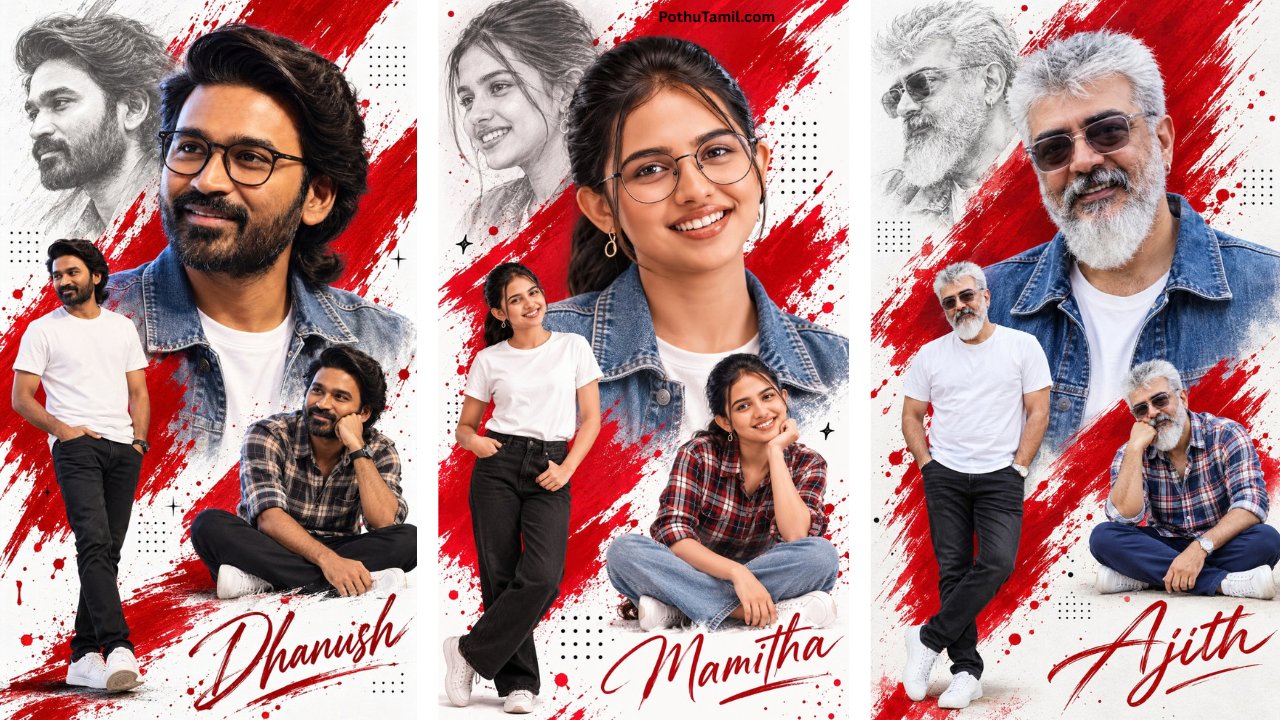
Instagram trends change quickly, but one thing remains popular: creative photo editing. From cinematic portraits and soft-glow selfies to luxury lifestyle edits and aesthetic couple photos, users are constantly looking for new ways to make ordinary pictures look more professional.
A well-written photo edit prompt can make this process much easier. Instead of manually adjusting brightness, contrast, colors, backgrounds, and lighting, AI photo editing tools can interpret a detailed description and apply a visual style automatically.
For creators, influencers, photographers, and everyday Instagram users, learning how to write effective AI editing prompts can save time while producing more consistent results.
What Is an Instagram Photo Edit Prompt?
A photo edit prompt is a text instruction that tells an AI-powered photo editing tool how you want an existing image to look after editing.
Rather than simply asking for a “better photo,” you can describe the lighting, colors, atmosphere, background, clothing details, camera appearance, and overall mood.
For example, a basic instruction might ask for a cinematic portrait with warm lighting and a blurred background. A more detailed prompt can specify the type of light, depth of field, skin texture, color grading, and photographic style.
The quality of the instruction matters because AI editors use the prompt to understand the desired transformation.
Why Photo Edit Prompts Are Trending on Instagram
Instagram is highly visual, so even small improvements to a photograph can make a post look more polished. AI editing has made advanced-looking effects accessible without requiring professional editing experience.
Popular Instagram-style edits often include:
- Cinematic portrait effects
- Golden-hour lighting
- Luxury lifestyle aesthetics
- Soft pastel color grading
- Vintage film appearance
- Moody dark photography
- Clean studio portraits
- Travel and street photography looks
The important point is that a viral-looking edit is not necessarily about adding hundreds of effects. A strong visual concept, realistic lighting, and natural-looking details often create a better result.
How to Create a Better Photo Edit Prompt
A good prompt should explain the visual outcome rather than using random keywords. Think about the photograph as a complete scene.
Start with the subject and composition. Explain whether the image should remain a close-up portrait, mirror selfie, full-body photograph, or environmental portrait.
Next, describe the lighting. Terms such as soft window light, warm sunset illumination, dramatic studio lighting, or subtle rim lighting can help communicate the intended atmosphere.
Then consider color grading and mood. You could request warm cinematic tones, neutral luxury colors, muted film colors, or a vibrant social-media aesthetic.
Finally, mention realism. If you are editing an existing photograph, it can be useful to specify that facial identity, natural skin texture, proportions, and important details should remain realistic.
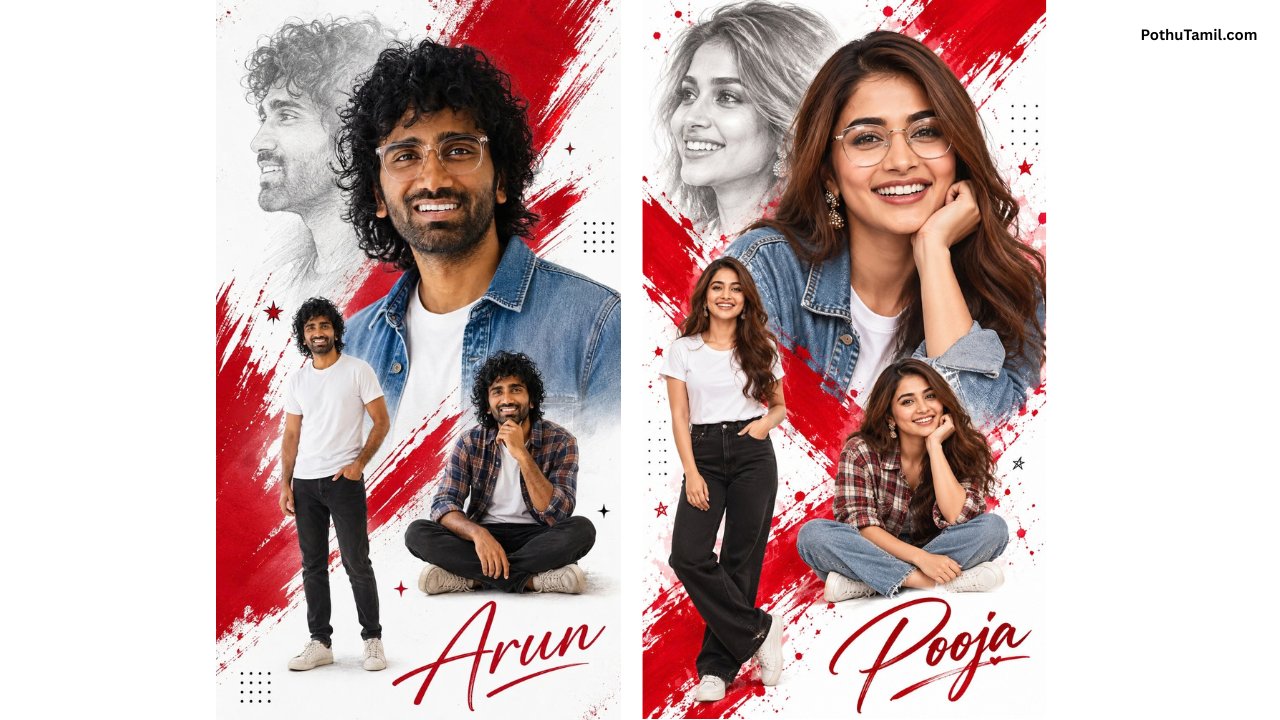
Trending Instagram AI Editing Styles
Different visual styles work well for different types of photographs.
| Style | Best For | Visual Direction |
|---|---|---|
| Golden Glow | Selfies and portraits | Warm, soft, premium |
| Cinematic | Portraits and travel | Dramatic, film-inspired |
| Luxury Editorial | Fashion photos | Clean, sophisticated |
| Vintage Film | Casual photography | Grainy, nostalgic |
| Minimal Aesthetic | Lifestyle images | Bright, simple, elegant |
A golden glow edit can make a simple portrait feel warmer and more polished. Cinematic editing is useful when you want stronger contrast and a movie-inspired atmosphere. Luxury editorial styles can work particularly well for fashion, business, and professional social media profiles.
AI Photo Editing Tools for Instagram Content
The growing AI photo editing market includes mobile apps, browser-based editors, and professional desktop software. Some tools focus on automatic enhancement, while others provide more advanced generative editing.
| Tool Type | Suitable For | Main Advantage |
|---|---|---|
| Mobile AI Editor | Social media users | Fast editing |
| Online AI Editor | Beginners | No complex installation |
| Professional Editor | Creators and photographers | Advanced control |
| AI Generator/Editor | Creative transformations | Generative effects |
When choosing an editor, don’t look only at whether it offers AI. Check the quality of generated results, export resolution, available editing controls, watermark policies, privacy terms, and whether premium features require a subscription.
For creators who regularly publish Instagram content, paying for a premium editor may be worthwhile if it provides higher-resolution exports, additional AI features, or faster workflows.
Tips for More Realistic Viral Photo Edits
The most attractive AI edits usually preserve the original character of the photograph. Over-editing can make skin look artificial or cause facial features and objects in the scene to change unexpectedly.
Keep the requested transformation focused. Instead of changing everything simultaneously, describe the main aesthetic you want and specify which original elements should remain untouched.
High-quality source images also make a difference. A clear, well-lit photograph generally provides an AI editor with more information than a heavily compressed or blurry image.
Before posting, always inspect important details such as hands, eyes, hair, jewelry, text, clothing patterns, and background objects. AI-generated modifications can occasionally introduce small visual inconsistencies.
Photo Edit Prompt vs Traditional Editing
Traditional editing still provides excellent control, especially for professional photographers. However, AI prompts can dramatically reduce the amount of manual work required for common social-media transformations.
With traditional software, a creator might manually adjust exposure, curves, highlights, shadows, color grading, masking, and background effects. With an AI workflow, many of these changes can be described using natural language.
That doesn’t mean AI completely replaces professional editing. Instead, it works as a faster creative layer that can be combined with conventional editing tools.
Privacy Matters When Using AI Photo Editors
Before uploading personal photographs to an online AI editor, check how the service handles uploaded images. Look for information about data retention, image processing, account privacy, and whether uploaded content may be used to improve services.
This is particularly important for personal portraits and photographs containing other people. Avoid uploading private images to unfamiliar services simply because they offer attractive AI effects.
For public Instagram content, using a reputable editing platform and understanding its privacy settings can provide a better balance between convenience and control.
Final Verdict
An effective photo edit prompt can turn a simple Instagram photograph into a more polished and visually distinctive image without requiring advanced editing skills. The key is not to fill the prompt with unnecessary keywords but to clearly describe the subject, lighting, mood, colors, composition, and level of realism you want.
Whether you’re creating cinematic portraits, golden-glow selfies, luxury lifestyle photographs, or vintage-inspired Instagram posts, AI editing can make experimentation much faster. Choosing the right editing software and combining thoughtful prompts with a high-quality original photograph is the best way to create consistent, professional-looking social media content.
VASUDEVAN
Monster
Love
Photo edit
Aiedit
Photo editing tamil prompt
Photo edit
Promt
Nice
Photo editing
Instagram chat