
Introduction
Smartphone cameras have changed dramatically, and artificial intelligence is now becoming an important part of mobile photography. Instead of relying only on camera hardware, modern smartphones use AI and computational photography to improve exposure, color, sharpness, portraits, low-light images, and even photo editing.
If you are searching for the Best AI Camera App for Android, the right choice depends on your smartphone, photography experience, desired controls, and whether you want automatic enhancement or professional manual settings. Some users want a simple camera that automatically improves every shot, while others prefer RAW photography, manual exposure, advanced editing, or premium creative features.
In 2026, AI-powered camera technology is increasingly integrated into both smartphone camera systems and dedicated applications. Google and Samsung, for example, continue to expand AI-powered photography and editing features across their latest devices.
What Is an AI Camera App?
An AI camera app uses artificial intelligence or computational photography techniques to improve the process of taking and processing photographs. Instead of simply capturing a single image, the software can analyze the scene and automatically adjust elements such as exposure, color, focus, noise, and dynamic range.
The Best AI Camera App for Android should therefore do more than add filters. A genuinely useful camera application should improve the photography workflow while giving users appropriate control over the final image.
Some applications focus on automatic image enhancement, while others combine camera controls with AI-powered editing, object removal, portrait enhancement, background adjustments, or image optimization.
Why AI Camera Apps Are Popular in 2026
AI has made smartphone photography easier for beginners while giving experienced photographers more advanced options. Modern computational photography can combine multiple frames to improve detail and reduce noise, particularly in challenging lighting conditions.
Google’s current Pixel Camera includes features such as HDR+, Night Sight, Camera Coach, Auto Best Take, and AI-powered zoom features. Samsung is also using AI-powered image processing and features such as Photo Assist and its ProVisual Engine across supported Galaxy devices.
This means users do not necessarily need professional photography knowledge to achieve better-looking results. The software can handle many technical adjustments automatically.
Best AI Camera App for Android: What Should You Look For?
Choosing the Best AI Camera App for Android requires more than looking at the number of downloads or filters included.
First, check compatibility with your smartphone. Some camera applications are specifically designed for particular devices, while others support a much wider range of Android phones.
Image quality is another important factor. Look for features such as HDR processing, low-light enhancement, RAW capture, noise reduction, AI scene optimization, and high-resolution output.
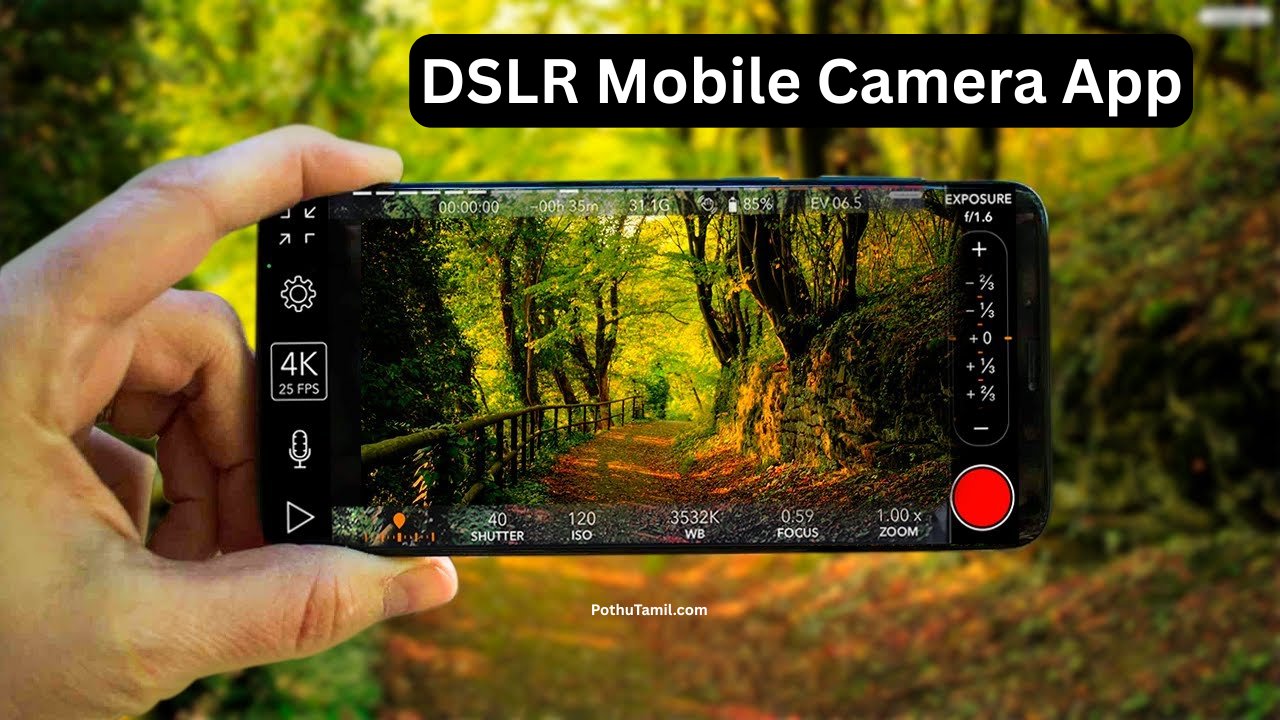
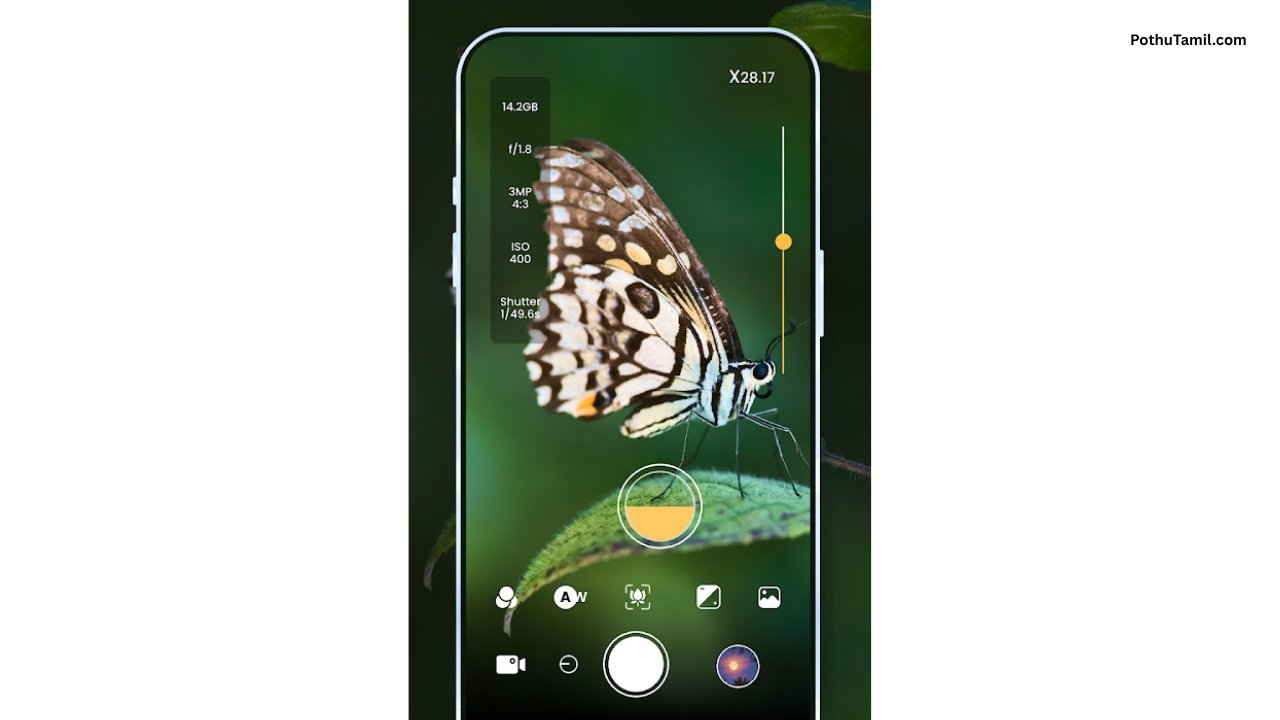
Manual controls can also be valuable for advanced users. ISO, shutter speed, white balance, focus, exposure compensation, and RAW support allow photographers to make more precise decisions.
| Feature | Why It Matters |
|---|---|
| AI Scene Optimization | Automatically adjusts image processing |
| HDR Processing | Helps balance bright and dark areas |
| Night Photography | Improves low-light results |
| RAW Capture | Provides more editing flexibility |
| Manual Controls | Gives photographers greater control |
| AI Editing | Simplifies advanced post-processing |
| High-Resolution Export | Useful for printing and professional projects |
Top Types of AI Camera Apps
There is no single application that is perfect for every Android user. The Best AI Camera App for Android depends on how you normally take photographs.
AI Computational Camera Apps
These applications focus on automatically improving the image during capture. They can analyze lighting conditions, merge multiple frames, reduce noise, and optimize colors.
They are particularly useful for users who want excellent results without manually adjusting complicated camera settings.
Professional Manual Camera Apps
Manual camera applications are designed for photographers who want greater control. They may provide RAW capture, manual focus, ISO adjustment, shutter controls, exposure tools, histograms, and custom shooting modes.
ProShot is one example of a paid Android camera application aimed at users who want extensive manual controls without relying entirely on automatic photography. Current Android camera guides continue to recommend it for professional-style manual shooting.
AI Photo and Camera Editing Apps
Some applications combine camera functionality with AI-powered editing. These can be useful when you want to capture an image and then improve it using automated tools.
AI editing may include background adjustments, object removal, portrait enhancement, lighting corrections, sharpening, and other creative effects.
This category can be especially useful for social-media creators, small businesses, content creators, and users who want professional-looking images without learning complicated desktop editing software.
Best AI Camera App for Android vs Stock Camera
Before installing a third-party application, check what your phone’s built-in camera already provides.
On Pixel devices, Google’s camera application is deeply integrated with the phone’s hardware and computational photography system. On supported Samsung devices, the native Camera application and Galaxy AI features are similarly integrated into the device.
This means the Best AI Camera App for Android may actually be the camera already installed on your smartphone.
Third-party applications become more useful when you need features that your stock camera does not provide, such as extensive manual controls, specialized RAW workflows, alternative image processing, or additional creative tools.
Free vs Premium AI Camera Apps
Many photography applications use a free-and-premium business model. Free versions can be sufficient for casual photography, while premium plans may unlock advanced editing tools, additional AI features, higher-quality exports, cloud services, or professional controls.
| Free Camera App | Premium Camera App |
|---|---|
| Basic photography features | Advanced manual controls |
| Standard image processing | Additional AI features |
| Limited creative tools | Expanded editing features |
| May include advertisements | Often removes ads |
| Suitable for casual users | Better for frequent creators |
Before purchasing a subscription or one-time license, check whether the application supports your specific Android device. Also compare pricing, renewal terms, privacy policies, export quality, and the features included in the paid plan.
A premium price does not automatically make an application the Best AI Camera App for Android. The right application is the one that provides useful features for your actual photography workflow.
How to Get Better Results From an AI Camera
Even advanced AI cannot completely compensate for poor lighting or an unsuitable composition. Start by keeping the camera lens clean and use stable positioning when taking photographs in low light.
Allow the camera application to focus correctly before capturing the image. When available, HDR or computational photography modes can be useful for scenes containing strong differences between bright and dark areas.
For professional work, consider using RAW capture when your application and phone support it. RAW files retain more information for later editing, although they require more storage and usually benefit from dedicated editing software.
AI Camera Apps for Content Creators
Content creators increasingly use smartphones as their primary cameras for social-media posts, product photography, short-form videos, and promotional content.
An AI camera can simplify repetitive tasks such as exposure correction, image enhancement, portrait optimization, and post-processing. This can save time when creating large amounts of visual content.
For businesses, professional-looking smartphone photography can also reduce the need for expensive equipment for certain types of marketing images. However, product photography, commercial campaigns, and high-end professional projects may still require specialized cameras, lighting, and editing workflows.
Privacy and Security Considerations
When selecting the Best AI Camera App for Android, privacy should also be considered.
Check what permissions the application requests and whether photos are processed directly on the device or uploaded to cloud servers. If an AI editing feature requires cloud processing, review the provider’s privacy policy before submitting sensitive photographs.
Avoid applications that request unnecessary permissions unrelated to camera functionality. Download applications from reputable sources and keep Android and trusted applications updated.
Final Verdict
The Best AI Camera App for Android depends on what you want from mobile photography. Casual users may prefer an intelligent camera that automatically handles exposure, HDR, low-light photography, and image enhancement. Advanced photographers may prioritize RAW capture and manual controls, while content creators may prefer an all-in-one camera and AI editing workflow.
Built-in camera applications should always be considered before installing third-party software because manufacturers can optimize their native camera systems specifically for their hardware. Third-party applications are most valuable when they provide meaningful features that your existing camera does not offer.
For users comparing paid photography software, evaluate image quality, AI features, manual controls, RAW support, device compatibility, privacy, pricing, and subscription terms rather than choosing solely based on popularity.
Ultimately, the Best AI Camera App for Android is not necessarily the application with the longest feature list. It is the one that matches your phone, photography style, editing needs, and budget while helping you consistently capture better images.
Flame
Flames
Srushti
Vishal Joy
Kishan
DSLR CAMERA
Janagiraman
Photo editor
Marriage