
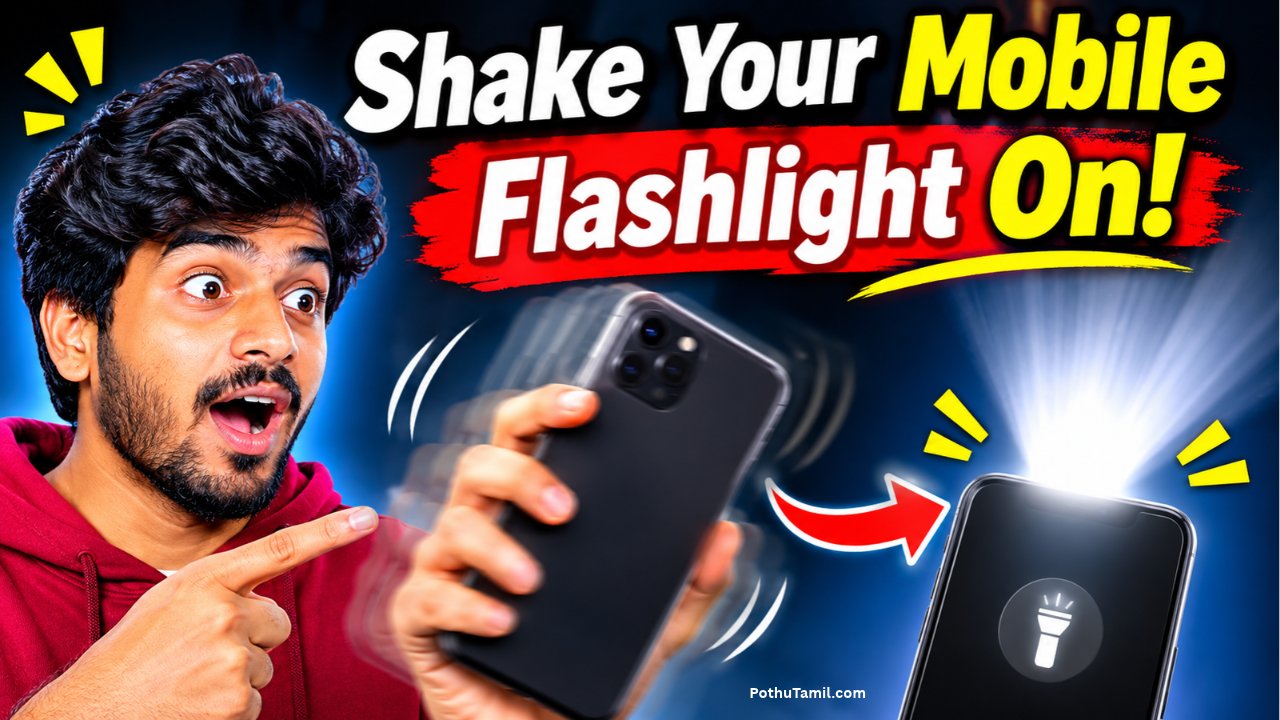
The best flashlight apps for Android help users illuminate dark places, find objects, walk safely at night, and access useful lighting features directly from their smartphones. Although most modern Android phones include a built-in flashlight, dedicated flashlight applications can provide additional options such as adjustable brightness, SOS signals, screen lighting, blinking modes, and convenient home-screen controls.
Whether you need a simple LED torch, a privacy-friendly flashlight, or an application with emergency features, choosing the right option can make everyday smartphone use more convenient. This guide explores some of the best flashlight apps for Android, their useful features, and what to consider before installing them.
What Are Flashlight Apps for Android?
Flashlight apps are Android applications that use a smartphone’s camera LED flash as a portable light source. When activated, the application turns on the LED and provides continuous illumination.
Some applications also use the smartphone display as a light source. This can be useful for reading, finding nearby objects, or creating softer lighting when the rear camera flash is too bright.
Modern flashlight applications may include additional features such as brightness adjustment, blinking patterns, SOS signals, Morse code, widgets, and quick-access controls.
Best Flashlight Apps for Android
Several flashlight applications are available for Android users through Google Play and alternative application repositories. Each option offers different features depending on the user’s requirements.
1. Flashlight by Splend Apps
Flashlight by Splend Apps is a popular Android torch application designed for users who want simple and convenient lighting controls. It uses the smartphone’s camera LED to provide illumination and also offers a white-screen lighting mode for compatible devices.
One useful feature is its home-screen widget, which allows users to activate the flashlight without opening the application. It also provides notification-area controls for quick access.
The application has a large installation base and is available free of charge, although it contains advertisements and optional in-app purchases. It is suitable for people who want a familiar flashlight interface with convenient shortcuts.
2. Flashlight by Light Apps Studio
Flashlight by Light Apps Studio is another option for Android users who prefer straightforward torch controls. It provides quick access to the smartphone’s LED flashlight and includes features designed to make activation easier.
One of its useful features is gesture-based control. Depending on the device and application settings, users can shake their smartphone to turn the flashlight on or off.
The application also supports a home-screen widget, allowing users to access the torch quickly. It contains advertisements, so users should review the current listing and privacy information before installing it.
3. FlashDim
FlashDim is a useful flashlight application for people who want more control over their smartphone’s LED brightness. Unlike basic torch applications that only provide an on-and-off switch, it supports multiple brightness levels on compatible Android devices.
The application also includes quick brightness shortcuts, SOS flashing, Morse code, and a Quick Settings tile. These features make it useful for everyday lighting as well as certain signaling situations.
FlashDim is an open-source application and does not include advertisements or require an internet connection according to its published listing. Its brightness adjustment functionality requires Android 13 or later and compatible hardware. <Cite refs={[“turn852271search7″,”turn852271search8”]}/>
4. Torchlight (Privacy Friendly)
Torchlight (Privacy Friendly) is designed for users who prefer a simple flashlight application with an emphasis on privacy. It is associated with the Privacy Friendly Apps project and is available through F-Droid.
The application focuses on basic torch functionality rather than providing numerous additional features. Its minimal approach makes it an interesting option for people who do not want unnecessary advertising or complicated settings.
Users should check device compatibility and permission requirements before installing it. Some Android devices require camera-related permission to control the LED flash.
5. Flashy
Flashy is an open-source flashlight application available through F-Droid. It provides options for using the rear LED flash or the smartphone screen as a light source.
The screen-light feature can be useful when users need softer illumination or when the rear LED is unavailable. Its simple approach makes it suitable for people who want a lightweight alternative to more complicated flashlight applications.
Because it is distributed through F-Droid, users should follow the repository’s installation instructions and check the latest supported Android version.
6. Lumolight
Lumolight is another flashlight application that combines traditional LED lighting with screen-based illumination. It offers different lighting options, including selectable screen colors.
This can be helpful for users who want a softer front-facing light for close-up activities. The rear LED remains more suitable when stronger and more directional illumination is required.
Lumolight is available through F-Droid and is an interesting option for people who prefer open-source Android applications.
7. Tiny Flashlight
Tiny Flashlight is an established name in Android flashlight applications. It is designed to provide convenient access to the smartphone’s LED flash and additional lighting controls.
Depending on the available version and device compatibility, users may find options for screen lighting and other flashlight-related functions.
Before installing it, check whether the current version is maintained and compatible with your Android device. Reviewing advertisements, permissions, and recent updates is also important.
Important Features to Look for in a Flashlight App
Not every flashlight application provides the same functionality. Understanding the available features can help users choose an application that meets their requirements.
Adjustable Brightness
Brightness adjustment allows users to control how strongly the smartphone’s LED illuminates an area. Lower brightness can be useful indoors, while higher settings may be preferable in darker outdoor environments.
However, an application cannot increase the LED’s brightness beyond the limitations of the smartphone hardware. Some devices also do not support multiple brightness levels.
SOS and Emergency Mode
Some flashlight applications include an SOS feature that flashes the LED in a recognizable emergency signaling pattern. This can be useful in certain situations where visual signaling is necessary.
Morse code functionality is another feature available in some applications. It allows users to transmit simple messages using flashing light patterns.
These features are supplementary tools and should not replace emergency communication equipment or contacting emergency services.
Strobe and Blinking Modes
Strobe mode makes the flashlight blink repeatedly at different speeds. It can be used for certain signaling activities and visual effects.
However, flashing lights may cause discomfort or trigger seizures in people with photosensitivity. Users should avoid directing strobe lights toward other people and use this feature carefully.
Home-Screen Widgets
A flashlight widget provides quick access directly from the Android home screen. Instead of opening an application and searching for the torch button, users can activate the light with a single tap.
This feature is particularly useful for people who frequently use their smartphone flashlight.
Screen Flashlight
A screen flashlight uses the smartphone display as a lighting source. Some applications allow users to select different colors or adjust screen brightness.
It can be useful for reading, finding small objects, or providing gentle illumination. However, it is generally less effective than a rear LED flashlight for lighting a larger or distant area.
Are Flashlight Apps for Android Free?
Most basic flashlight applications are free to download. However, some developers include advertisements, optional purchases, or premium features.
Free versions generally provide the main LED flashlight function, while additional features vary between applications. Paid versions may offer an advertisement-free experience or extra customization options.
Open-source applications available through F-Droid may provide an alternative for users who prefer applications with publicly available source code.
If you only need a basic torch, Android’s built-in flashlight is often sufficient and does not require installing another application.
Flashlight Apps vs. Built-In Android Flashlight
Most Android smartphones include a flashlight control in the Quick Settings panel. Users can normally access it by swiping down from the top of the screen and selecting the flashlight or torch icon.
The built-in feature is usually the simplest option because it does not require installing another application. It also avoids additional advertisements and third-party privacy policies.
Third-party flashlight applications become useful when users need additional features such as adjustable brightness, SOS signals, screen lighting, widgets, or gesture-based controls.
For everyday use, the built-in flashlight is generally the best starting point. A separate application is worth considering only when it provides a feature that the phone does not already offer.
Are Flashlight Apps Safe to Use?
Most basic flashlight applications are straightforward, but users should pay attention to permissions and privacy information before installation.
A flashlight application may require camera-related access because Android devices often control the LED flash through camera hardware. This does not automatically mean that the application is taking photographs.
However, a simple flashlight should not normally need unrelated access to contacts, messages, microphone recordings, or precise location.
Google Play provides a Data safety section where developers disclose how their applications collect, share, and handle information. Users can review this information before installing an application, although these disclosures are provided by the developers and are not independent security audits.
Downloading applications from trusted sources, checking the developer’s identity, and reviewing recent updates can help reduce unnecessary risks.
How to Choose the Best Flashlight App for Android
The right flashlight application depends on your smartphone, privacy preferences, and required features.
If you want a simple application with a familiar interface, Flashlight by Splend Apps or Light Apps Studio may be suitable options. Users who prefer adjustable LED brightness can explore FlashDim, while privacy-conscious users may prefer Torchlight (Privacy Friendly).
People interested in screen-based lighting can consider Flashy or Lumolight. Those who need emergency signaling should look for applications with clearly documented SOS and Morse code features.
Before downloading an application, compare its supported Android versions, update history, permissions, advertisements, and privacy information. A lightweight application with reliable controls is often more useful than one containing unnecessary features.
Conclusion
The best flashlight apps for Android provide convenient lighting features that go beyond the standard smartphone torch. Applications such as Flashlight by Splend Apps, Light Apps Studio, FlashDim, Torchlight (Privacy Friendly), and Flashy offer different options for users who want simple illumination, brightness adjustment, screen lighting, or privacy-focused functionality.
For most Android users, the built-in flashlight is enough for everyday lighting needs. However, a dedicated application can be useful when additional controls, widgets, emergency signaling, or screen-lighting features are required.
Ultimately, choosing the best flashlight app depends on your device compatibility, preferred features, and privacy expectations. Always review permissions and download applications from trusted sources to enjoy a convenient and safer flashlight experience.