
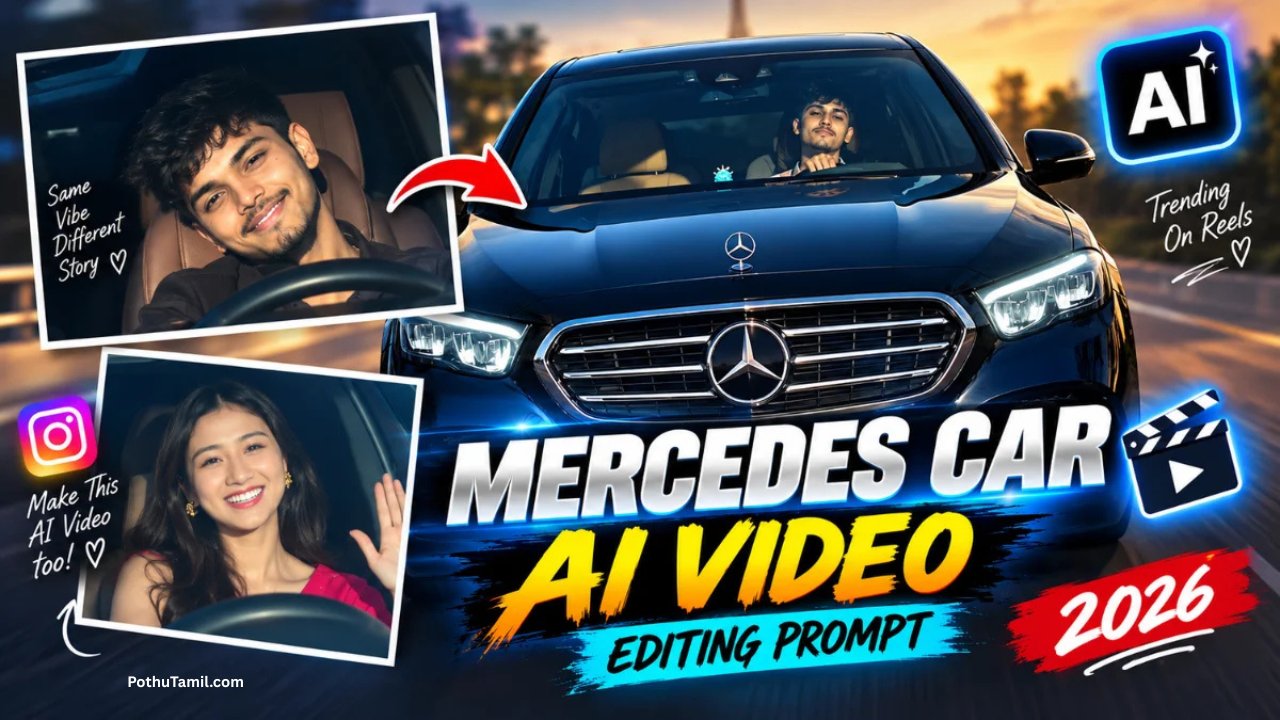
Car editing has become a popular creative activity for car enthusiasts, graphic designers, and social media creators. From changing a car’s appearance to creating custom vehicle illustrations, digital editing allows people to experiment with different styles and designs. If you are interested in editing car images, adobe illustrator online is one option worth exploring.
Adobe Illustrator is primarily a vector graphics application, making it useful for creating detailed illustrations, automotive graphics, logos, and custom designs. Its web version provides browser-based access to Illustrator tools, allowing users to work on supported design projects without relying entirely on the desktop application.
What Is Adobe Illustrator Online?
Adobe Illustrator on the web is a browser-based version of Illustrator that allows users to create, edit, and collaborate on vector artwork. It supports workflows involving shapes, paths, typography, colors, and other graphic design elements.
The web application is currently described by Adobe as a beta experience, and access is associated with an Illustrator subscription. Its available features may differ from those in the desktop application.
For car design enthusiasts, Illustrator can be useful for creating vector-based automotive artwork, adding graphic elements to designs, and developing custom illustrations.
How to Edit Car Designs Using Adobe Illustrator Online
You can begin by opening Illustrator on the web in a supported browser and signing in with your Adobe account. Once you have access, you can create a new document or open a supported cloud document to start working on your design.
If you are creating a car illustration, you can use shapes and drawing tools to develop the vehicle’s outline. You can then refine the body, windows, wheels, and other details using paths and shape-editing features.
For a more customized appearance, experiment with colors, gradients, and typography. You can also add decorative graphics, racing-inspired elements, or text to create a distinctive automotive design.
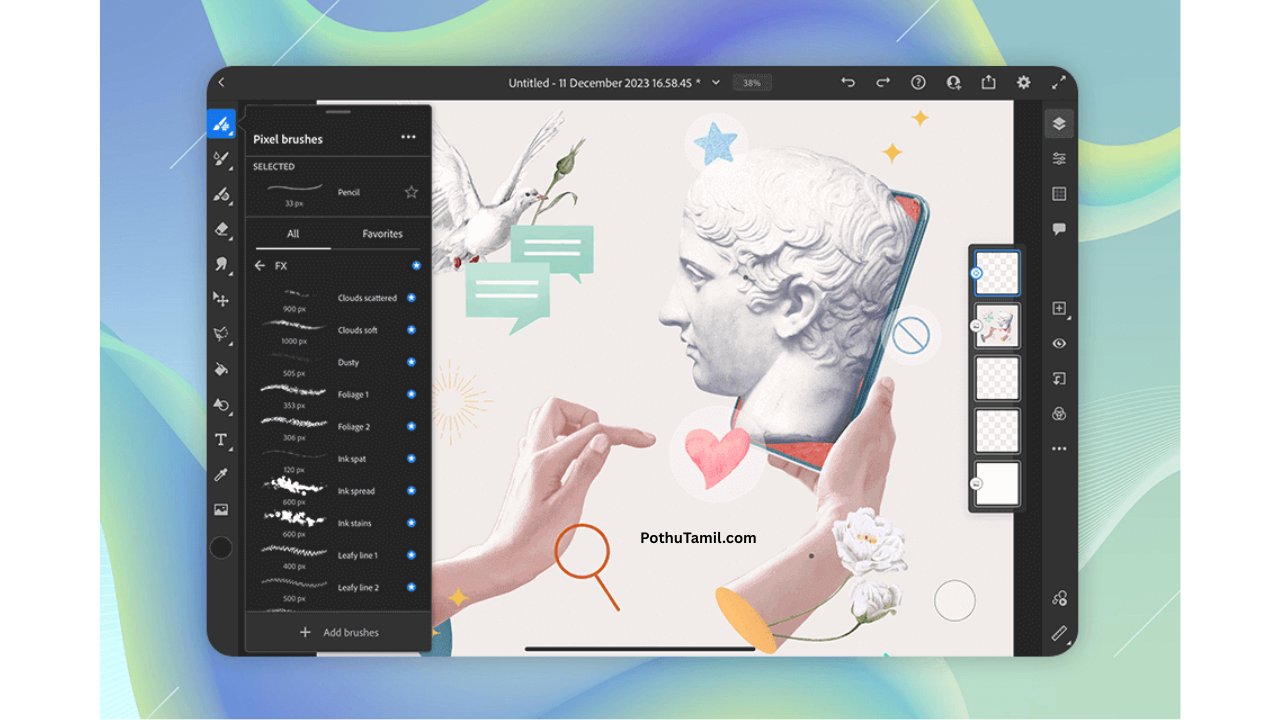
Creating Custom Car Illustrations
One of the interesting uses of Adobe Illustrator is creating car illustrations from scratch. Vector graphics are particularly useful for this type of project because they can be resized without the usual loss of image quality associated with raster graphics.
You can start with simple geometric shapes to establish the vehicle’s proportions before refining the outline and adding details. With practice, you can develop illustrations of sports cars, classic vehicles, racing cars, and other automotive designs.
Illustrator’s vector-based workflow is also useful when creating automotive logos, stickers, decals, and other graphics that need to work at different sizes.
Adobe Photoshop for Realistic Car Photo Editing
If your goal is to edit an existing car photograph rather than create a vector illustration, Adobe Photoshop may be more suitable.
Photoshop provides tools for selecting objects, replacing backgrounds, adjusting lighting, correcting colors, and retouching photographs. These capabilities can help you create realistic-looking car edits, such as changing the environment, improving the appearance of paintwork, or experimenting with different visual styles.
For example, you could use Photoshop to place a car in a dramatic nighttime setting, enhance the contrast of a photograph, or create a custom automotive poster.
Illustrator and Photoshop serve different purposes, so choosing between them depends on whether you want to create vector artwork or manipulate photographs.
Prompt
Generate a motion-controlled video using the uploaded image as the character reference and the uploaded video as the style and motion reference. Preserve the character’s exact identity, appearance, and key visual details while accurately replicating the reference video’s motion, style, camera movement, and overall visual dynamics.
Adobe Illustrator Online Pricing and Access
Adobe Illustrator is a paid application available through Creative Cloud membership plans. Adobe also offers a free trial, allowing eligible users to explore the software before committing to a subscription.
Because the web version is associated with an Illustrator subscription, users should check the current plan details and availability before getting started.
You can explore the official information here: Adobe Illustrator Plans.
Conclusion
Adobe Illustrator online can be a useful option for car enthusiasts and designers who want to create vector-based automotive artwork directly in a browser. Its drawing tools, shapes, paths, and typography features can help users develop custom car illustrations, graphics, and design concepts.
However, if you want to edit realistic car photographs by changing backgrounds, adjusting lighting, or retouching details, Photoshop may be a more appropriate choice.
Ultimately, the right application depends on your creative goal. Illustrator is suited to vector artwork and graphic design, while Photoshop focuses on detailed photo manipulation. Understanding the difference can help you choose the right tool for your next car-editing project.