
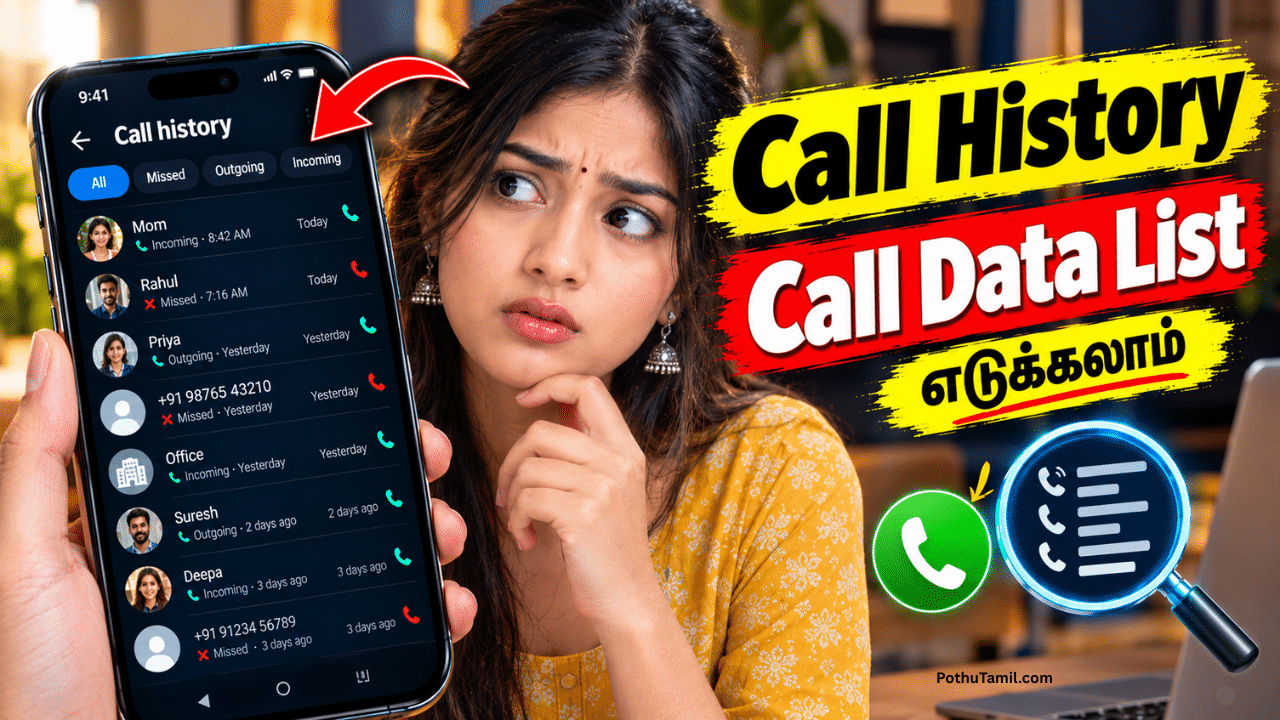
A call data list is a record of telephone calls made, received, or missed on a mobile phone or through a communication service. It can help users review their call history, identify unknown numbers, track business communications, and manage important contacts. Depending on the device and service provider, call data may include phone numbers, call dates, times, durations, and incoming or outgoing call details.
Call records are useful for personal communication, business administration, customer support, and expense management. Android phones, iPhones, telecommunications providers, and business phone systems offer different ways to access call information. Understanding these options can help users find the records they need while protecting their privacy and personal information.
What Is a Call Data List?
A call data list is an organized collection of information about telephone calls. On a smartphone, it is usually displayed in the Phone app under sections such as Recents or Call History.
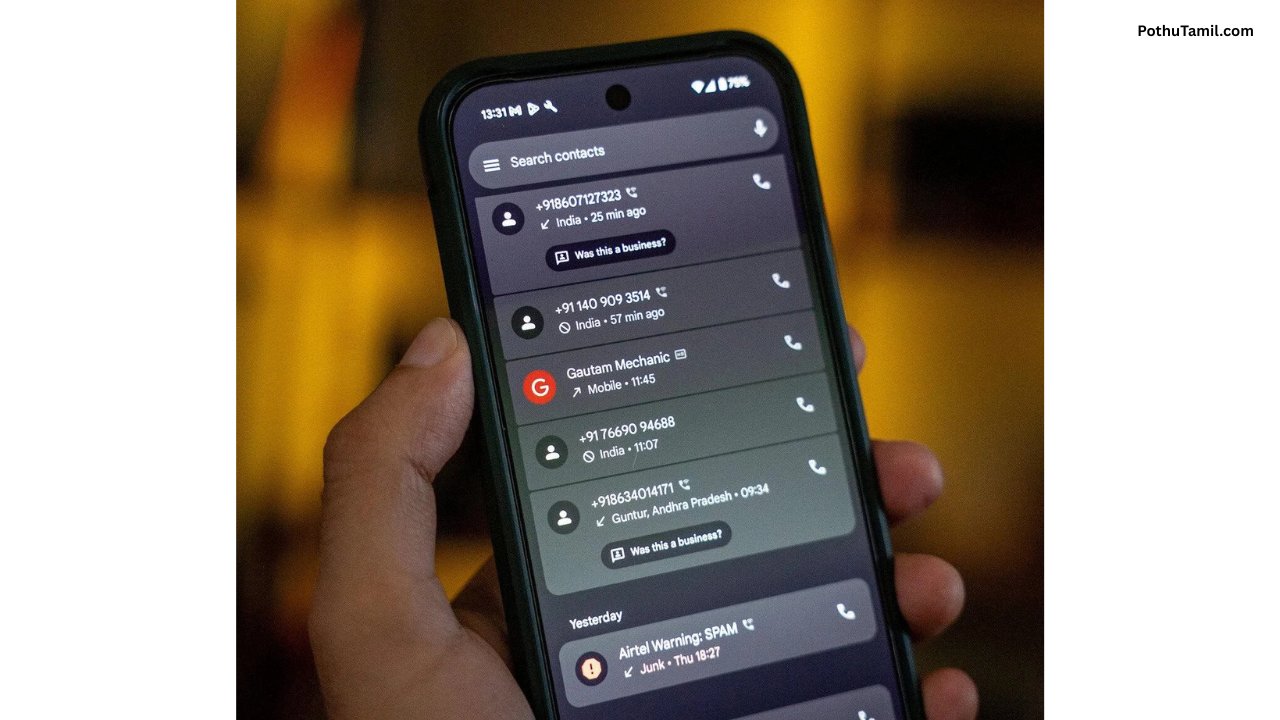
A standard call history may show the caller’s number or contact name, the date and time of a call, its duration, and whether it was incoming, outgoing, or missed. Some devices also distinguish between ordinary cellular calls and calls made through supported internet-based communication applications.
Telecommunications providers may maintain separate call detail records, often called CDRs. These records can contain technical and billing information about calls processed through their networks. The exact information available depends on the provider, service, and applicable regulations.
How Does Call History Work?
When a phone makes or receives a call, the device or associated communication service may create a call-history entry. The entry can then appear in the call log, allowing the user to review previous conversations.
The information stored on the phone is different from the records maintained by a mobile network operator. A call log on a device may be deleted by the user, while a provider may retain certain billing or network records according to its retention policies and legal obligations.
For business telephone systems, call information may also be stored in a cloud dashboard or customer relationship management platform. These systems can help authorized staff review call activity and monitor customer-service operations.
How to View a Call Data List on Android
Android users can generally access their recent calls through the Phone app. The interface may vary depending on the phone manufacturer, Android version, and installed dialer.
Opening the Phone app and selecting the Recents or Call History section typically displays recent incoming, outgoing, and missed calls. Selecting an entry may reveal additional information, such as the call time, duration, and available contact details.
Some devices allow users to search call history, view information about a contact, or delete individual entries. The availability of older records depends on the device, application, and whether the history has been cleared.
How to View a Call Data List on iPhone
On an iPhone, users can usually review recent calls through the Phone app’s call-history interface. The list can include incoming, outgoing, and missed calls, along with available contact names, timestamps, and other details.
Selecting a call entry may provide additional information about the interaction. Users can also manage recent call entries through the controls available in the Phone app.
The call history displayed on an iPhone should not be confused with a complete account of every communication made through every application. Calls made through internet-based messaging services may be recorded separately within those applications.
What Information Does a Call Data List Contain?
The information included in a call data list depends on where the records are stored and which service generated them.
A smartphone’s call log commonly includes phone numbers or contact names, call direction, dates, times, and durations. A mobile provider’s call detail record may contain additional technical or billing information, depending on the network and service.
Business phone systems can provide more detailed reporting, such as call queues, agent activity, missed-call statistics, and call outcomes. Call recordings, when supported and lawfully enabled, are separate from basic call logs and may be subject to additional consent and retention requirements.
Call Data List Apps for Managing Call History
Several applications can help users organize contacts, identify unwanted calls, or manage business communication records. The most suitable option depends on whether the user needs basic call history, spam identification, or professional reporting.
Google’s Phone app provides call-history functionality on supported Android devices. Truecaller offers caller identification and spam-related features, depending on the device, region, permissions, and subscription. Business communication platforms may offer call analytics and centralized records for customer-support teams.
Users should download applications from official sources and review their permissions carefully. An application that requests access to contacts or call logs may be able to process sensitive information, so it is important to understand how that information is used.
Call Data List for Business and Customer Support
Businesses often need organized call records to manage customer inquiries, follow up on leads, and understand communication patterns. Cloud telephony platforms and contact-center systems can provide dashboards that help authorized teams review call volumes, missed calls, and agent performance.
Customer relationship management systems may connect call activity with customer profiles, making it easier to track interactions and maintain consistent service. Depending on the platform, businesses may also generate reports about response times, call duration, and call outcomes.
For larger organizations, professional cloud communication and contact-center software can provide more detailed reporting than the standard call history available on a smartphone.
Can You Recover a Deleted Call Data List?
Recovering deleted call history depends on the device, the type of record, and whether a suitable backup exists. Some users may be able to restore relevant information from an earlier device backup, depending on the backup service and its contents.
Mobile operators may retain certain call detail records for billing, operational, or legal purposes. However, these records are not necessarily available through the phone’s call log, and access to them depends on the provider’s policies, account verification, and applicable laws.
Be cautious of apps or websites promising guaranteed recovery of all deleted call records. Avoid providing account passwords, verification codes, or payment information to unverified services.
Is It Possible to Get Someone Else’s Call Data List?
Call records can reveal sensitive personal information, including who someone communicates with and when. Access to another person’s call history or provider records should therefore be based on proper authorization.
A person can review their own call history, and an authorized account holder may be able to obtain certain records from their provider under the applicable account and legal rules. Parents, guardians, and businesses should also follow relevant laws and service policies when managing devices or accounts.
There is no legitimate universal app that can automatically access anyone’s complete call history without the appropriate permissions or access. Avoid services that claim otherwise, particularly if they ask for another person’s credentials or promise secret access to private records.
Is a Call Data List Free?
Viewing the recent call history already available on a smartphone is generally a standard device feature and does not require a separate subscription.
Third-party applications may offer free basic functionality alongside paid features such as advanced caller identification, spam filtering, or business analytics. Mobile network operators may provide itemized usage records through account portals or bills, depending on the plan and provider.
Before paying for a call-history application, users should verify that it offers the specific feature they need and review its privacy policy, subscription terms, and data-access requirements.
How to Protect Call Data Privacy
Call history should be treated as personal information because it can reveal relationships, business contacts, and communication patterns.
Users can protect their records by securing their phones with a strong screen lock, keeping the operating system updated, reviewing app permissions, and avoiding untrusted applications. They should also be careful when sharing screenshots or exported call logs because these may contain phone numbers and timestamps.
Businesses that store call data should limit access to authorized employees, establish appropriate retention periods, and follow applicable privacy and data-protection requirements.
Conclusion
A call data list provides a convenient way to review incoming, outgoing, and missed calls, manage communication history, and organize important contacts. Smartphones provide basic call-history features, while telecommunications providers and business communication platforms may maintain separate records for billing, reporting, and operational purposes.
The right way to access call records depends on whether you need your own phone history, provider-issued usage details, or business call analytics. By choosing reputable tools, checking access permissions, and respecting privacy requirements, users can manage call information more safely and effectively.
Ok
தமிழ்
Super
First time please
Ok
Call data
Call history
Ok
Saranya