
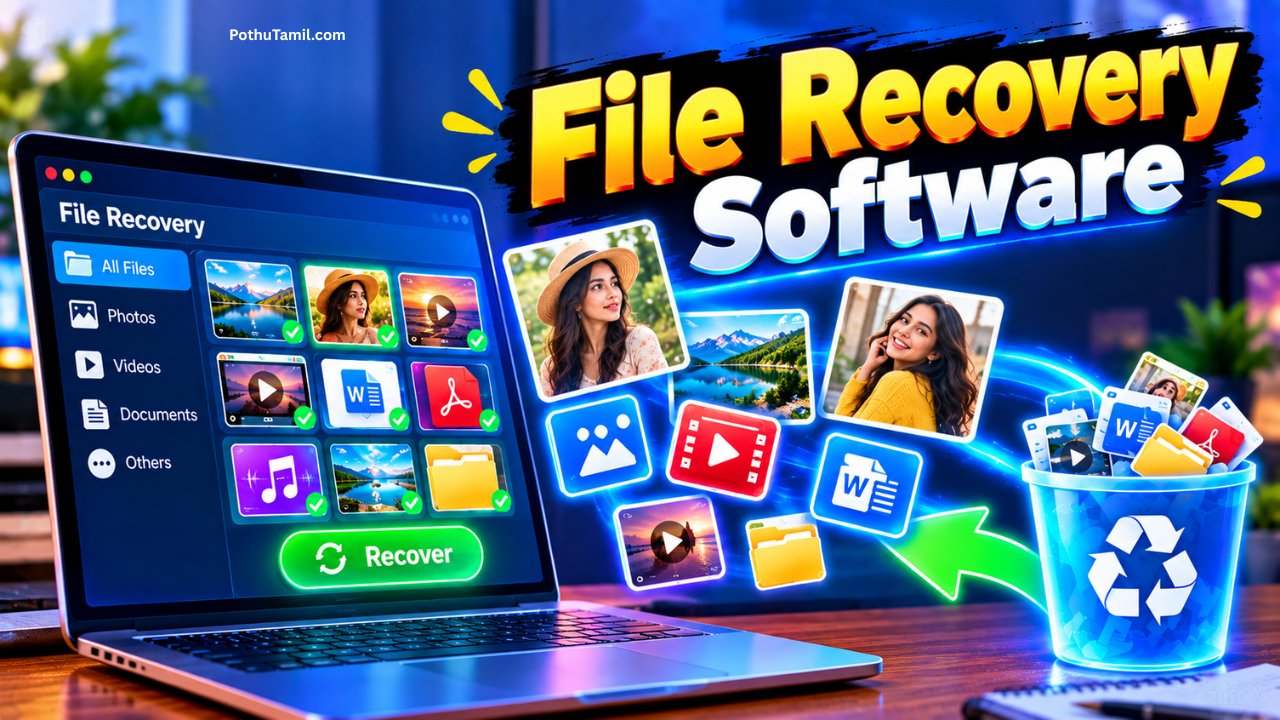
File recovery software is designed to help users recover deleted, lost, or inaccessible files from computers, external drives, memory cards, USB drives, and other storage devices. When important documents, photos, videos, or work files are accidentally deleted, data recovery software can scan the storage device for recoverable information and restore files that may no longer appear in the normal file system.
Losing data can happen for many reasons, including accidental deletion, formatting, system crashes, corrupted storage devices, malware, or unexpected hardware problems. While there is no guarantee that every deleted file can be recovered, modern recovery tools can provide a practical way to retrieve data when the underlying storage still contains recoverable information.
What Is File Recovery Software?
File recovery software is a specialized application that searches storage devices for files that have been deleted or become inaccessible. Instead of relying only on the operating system’s normal file structure, recovery programs can examine the underlying data on a drive to locate recoverable files.
When a file is deleted, the operating system may mark the space occupied by that file as available for future use rather than immediately removing every piece of its data. If new information has not overwritten that space, recovery software may be able to identify and reconstruct the original file.
This makes data recovery software particularly useful after accidental deletion, formatting, or certain types of file-system problems.
How Does Data Recovery Software Work?
Data recovery software typically begins by scanning the selected storage device. A quick scan may look for recently deleted files and information that is still available through the file system.
A deeper scan can examine the storage more extensively to identify file signatures and other patterns associated with different file types. This can take considerably longer, particularly when working with large hard drives, SSDs, memory cards, or external storage devices.
After scanning, the software generally displays recoverable files and allows users to preview or select the data they want to restore. The recovered files should normally be saved to a different storage location to avoid overwriting other potentially recoverable data.
Recovering Deleted Files
Accidentally deleted files are one of the most common reasons people use file recovery software. This can include documents removed from a computer, photos deleted from a memory card, or files accidentally removed from an external drive.
The possibility of recovery depends on what happened after deletion. If the storage space containing the deleted file has already been reused by new data, recovery may become difficult or impossible.
For this reason, stopping unnecessary activity on the affected storage device can be important when valuable data has been lost.
Recovering Data From Formatted Drives
Formatting a drive can make existing files inaccessible, but in some situations the underlying data may still be recoverable.
Data recovery applications can scan formatted partitions and search for recognizable file structures or file signatures. The success rate depends on the type of formatting, the storage technology, the condition of the drive, and whether new data has been written afterward.
Users should avoid immediately copying large amounts of new data to a formatted drive if they are planning to attempt recovery.
File Recovery From USB Drives and Memory Cards
USB flash drives and SD cards are commonly used to store documents, photographs, videos, and other portable files. These devices can be accidentally formatted, corrupted, or removed incorrectly.
A data recovery software application can scan these devices and attempt to locate files that are no longer visible through the normal file browser.
Photographers and content creators may find recovery software particularly useful when dealing with accidentally deleted images or videos from camera memory cards. However, continued use of the card after deletion can reduce the chance of successful recovery.
Hard Drive and SSD Data Recovery
Traditional hard disk drives can often provide recovery opportunities after accidental deletion because deleted data may remain on the physical disk until it is overwritten.
SSDs are different because technologies such as TRIM can change how deleted data is handled. As a result, recovering deleted files from an SSD can be more difficult in certain situations.
When a storage device is physically failing, repeatedly scanning it with software may also place additional stress on the device. In cases involving clicking drives, severe corruption, or valuable business data, professional data recovery services may be safer than repeated software scans.
Features to Look for in Data Recovery Software
A useful recovery application should support the storage devices and file systems that the user actually works with. Compatibility can be important when recovering files from Windows computers, external drives, cameras, USB devices, or memory cards.
Preview functionality is another useful feature because it allows users to check whether a file is actually recoverable before spending time restoring it. Deep scanning, partition recovery, filtering, and support for different file types can also make large recovery jobs easier to manage.
Some professional applications provide additional capabilities such as disk imaging, recovery from damaged partitions, bootable recovery environments, and support for advanced file systems.
Popular Data Recovery Software
There are several established applications in the data recovery market, with different approaches to pricing and functionality. Recuva is known for providing a relatively simple recovery experience for Windows users, while applications such as EaseUS Data Recovery Wizard and Stellar Data Recovery provide broader recovery features and paid editions.
Disk Drill is another widely used recovery application that supports multiple storage scenarios and provides a user-friendly interface. Professional users may also consider specialized tools such as R-Studio when they need more advanced control over difficult recovery tasks.
For users working with valuable or business-critical data, paid recovery applications can provide deeper scanning and additional recovery capabilities than basic free tools. However, users should compare supported file systems, device compatibility, recovery limits, and licensing before choosing a product.
Free vs Paid File Recovery Software
Some file recovery software provides a free version with a limited amount of recoverable data or a restricted feature set. This can be useful when recovering a small number of recently deleted files.
Paid versions are generally aimed at users who need larger recovery limits, advanced scanning, partition recovery, or support for more complicated data-loss situations. Pricing varies between providers and can also depend on whether the license is intended for a single computer, multiple devices, or professional use.
A free tool may be enough for a simple accidental deletion, while a paid application can make more sense when the lost files are valuable or the storage problem is more complicated.
File Recovery Software for Businesses
Businesses can face more serious consequences when important files are lost. Accounting documents, customer records, project files, databases, presentations, and operational data may be difficult or expensive to recreate.
Professional data recovery software can be part of a broader data-protection strategy, but it should not replace regular backups. Businesses should maintain reliable backup systems, access controls, and disaster-recovery procedures so that recovery software is not the only option after a major data-loss event.
For organizations managing large amounts of business information, enterprise backup platforms and cloud-storage systems can provide additional protection against accidental deletion, hardware failure, and other incidents.
File Recovery Software vs Backup
Data recovery and backup serve different purposes. Recovery software attempts to retrieve information that has already been lost or deleted, while a backup provides another copy of the data before a problem occurs.
A backup is generally the safer solution because it does not depend on whether deleted data remains recoverable on the original device. For important files, users should maintain more than one copy and, where appropriate, keep a backup in a separate physical or cloud location.
Recovery software is therefore best viewed as a recovery option rather than a replacement for a proper backup strategy.
How to Improve the Chances of Data Recovery
When important data is accidentally deleted, one of the most important steps is to avoid unnecessary writing to the affected storage device. Installing new software, downloading large files, or copying other data to the same drive can potentially overwrite information that could otherwise be recovered.
If possible, the recovery software itself should be installed on another drive, and recovered files should be saved somewhere other than the original source device.
If the drive is physically damaged or making unusual noises, professional data recovery may be a better choice. Software recovery works best when the storage device is still functioning well enough to be scanned safely.
Is File Recovery Software Safe to Use?
Established recovery applications can be useful, but users should download them from official sources and pay attention to what the software is installing. Unknown recovery programs can potentially contain unwanted software or make misleading recovery claims.
Users should also be careful when dealing with sensitive files. Recovery software may have access to deleted documents, photographs, business records, and other information stored on the device.
Before choosing a product, it is worth checking its privacy practices, supported operating systems, recovery limitations, and reputation.
Conclusion
File recovery software can be an important tool when documents, photographs, videos, or other files have been accidentally deleted or become inaccessible. By scanning storage devices and searching for recoverable file information, data recovery software can sometimes restore files that are no longer visible through the normal file system.
The chances of successful recovery depend heavily on what happened to the storage device after the data was lost. Avoiding further use of the affected drive, selecting appropriate recovery software, and saving recovered files to another location can help protect the remaining recoverable data.
For everyday situations, free or consumer recovery tools may be sufficient, while more complicated storage problems may require professional software or a specialist recovery service. Ultimately, the best protection against permanent data loss is a reliable backup strategy, with file recovery software serving as an additional option when unexpected data loss occurs.
My photos videos related issues
Backup photos
Good app
Super
Recover
சும்மாதான்
வரஒண்ணுமில்ல
Recover gallery
Recovery
Good
Photos
Vedios