
Introduction
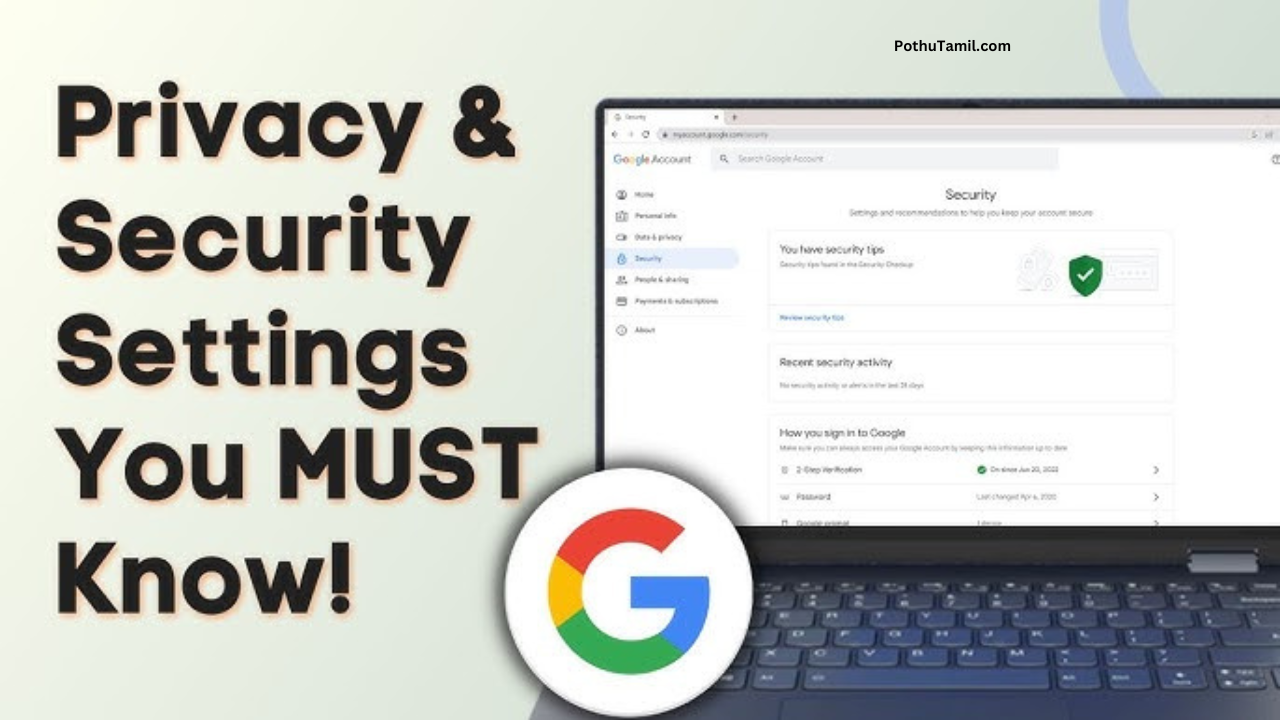
A Google account is often linked to many essential digital services such as email, cloud storage, mobile devices, and online platforms. Because of this wide usage, maintaining strong account protection is an important part of modern digital safety. Google provides several built-in security settings that help users manage access and protect personal data.
Many users search for Google account security settings to understand what options are available and which ones should be enabled for better protection. While no system can guarantee complete safety, properly configured security settings can significantly improve digital awareness and control.
This article offers a neutral, educational overview of important Google account security settings, explaining how they contribute to identity protection and how they fit within broader cybersecurity tools practices.
This content is shared only for informational purposes.
Why Google Account Security Matters
A Google account often connects multiple services in one place. If access is compromised, it may affect:
-
Email communication
-
Cloud-stored files
-
App and device access
-
Online activity history
Using available account security software features helps users maintain better control over account access and activity.
Understanding Google’s Built-In Security System
Google includes several security features designed to monitor, manage, and control account access. These features work together as part of a broader security ecosystem.
Key components include:
-
Sign-in monitoring
-
Account recovery options
-
Device management
-
Activity alerts
Users can access these tools from their Google account security dashboard.
Two-Step Verification (2SV)
Two-step verification adds an extra step during sign-in. After entering a password, users must confirm access using an additional method.
Why It Matters
This feature helps reduce unauthorized access even if a password is compromised.
How It Supports Identity Protection
2SV ensures that account access requires something beyond just a password, aligning with best practices in identity protection.
Security Checkup Tool
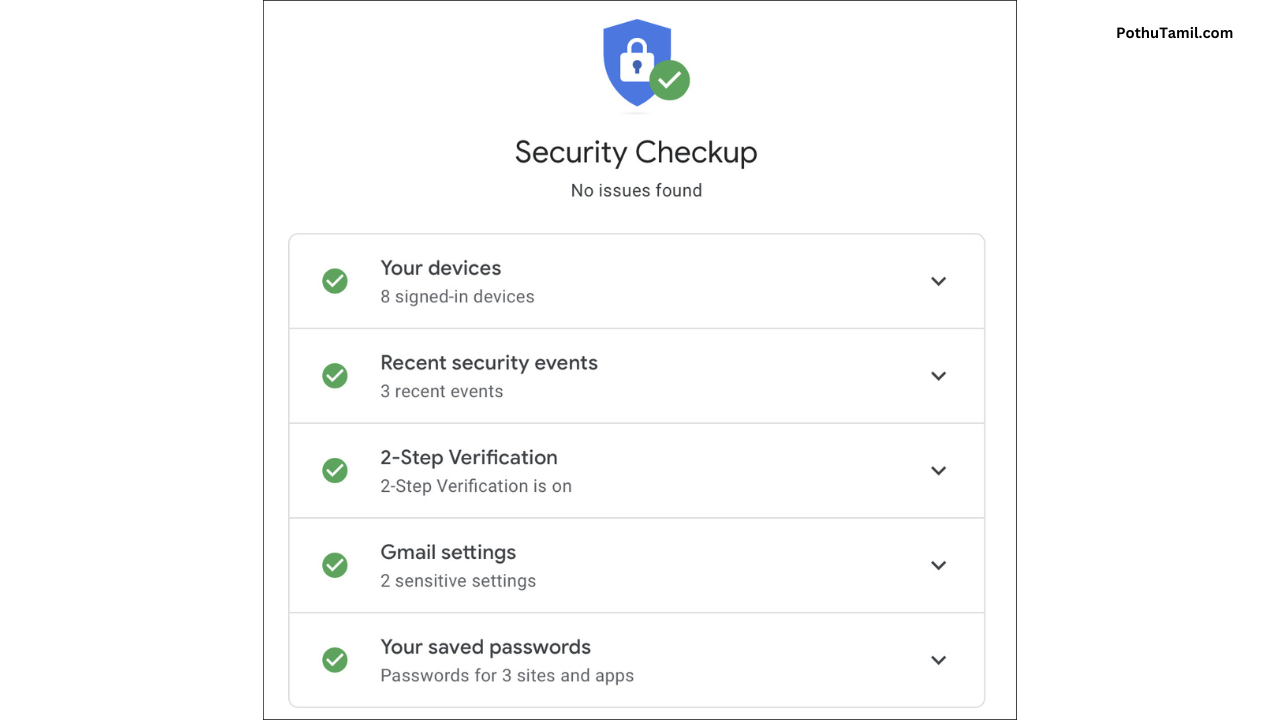
Google offers a Security Checkup feature that reviews account settings and provides recommendations.
What It Reviews
-
Sign-in methods
-
Connected devices
-
Third-party access
-
Recovery information
This tool acts as a simplified cybersecurity checklist for users.
Account Recovery Information
Recovery options allow users to regain access if they forget their password or lose access.
Important Recovery Details
-
Recovery email address
-
Recovery phone number
Keeping these details updated supports smoother account recovery.
Device Activity Monitoring
Google allows users to view devices currently signed in to their account.
Why Device Monitoring Helps
-
Identifies unfamiliar devices
-
Allows sign-out from inactive sessions
-
Improves visibility of account access
Monitoring device activity supports proactive security management.
App and Third-Party Access Control
Many apps request access to Google accounts for login or integration.
Why Review App Access
-
Some apps may no longer be in use
-
Reducing access limits exposure
-
Improves overall account hygiene
Regular review supports safer digital practices.
Security Alerts and Notifications
Google sends alerts for:
-
New sign-ins
-
Security setting changes
-
Unusual activity
These alerts help users respond quickly to account events.
Password Management
Strong passwords remain a fundamental security measure.
Recommended Practices
-
Use unique passwords
-
Avoid sharing credentials
-
Update passwords periodically
Password management complements other cybersecurity tools.
Google’s Advanced Protection Program (Overview)
Google offers an optional advanced protection option designed for users seeking additional security layers.
General Characteristics
-
Stronger sign-in requirements
-
Limited app access
-
Enhanced monitoring
This option is designed for specific security needs and may not suit all users.
How Google Security Features Fit Into Cybersecurity Tools
Google’s account protection features function as part of broader cybersecurity tools by:
-
Managing access control
-
Monitoring unusual behavior
-
Supporting recovery processes
These tools help users maintain digital awareness.
Identity Protection in Daily Digital Use
Identity protection involves:
-
Preventing unauthorized access
-
Protecting personal information
-
Monitoring account activity
Google account settings contribute to identity protection when used responsibly.
Safe Browsing and Activity Controls
Google also offers settings related to:
-
Activity history
-
Location data
-
Web activity
Users can adjust these settings based on personal comfort levels.
Managing Permissions Across Devices
Modern users often access accounts across multiple devices. Google’s settings allow users to:
-
Review active sessions
-
Remove unused devices
-
Maintain consistent security controls
This improves long-term account management.
Common Security Mistakes to Avoid
Users are encouraged to avoid:
-
Reusing passwords
-
Ignoring security alerts
-
Leaving unused apps connected
-
Skipping security reviews
Avoiding these habits improves overall digital safety.
How Often Should You Review Security Settings?
Regular reviews help maintain account health. Users may consider:
-
Periodic security checkups
-
Reviewing devices after travel
-
Updating recovery information
Consistency is key to effective security management.
Is Google Account Security Enough on Its Own?
Google’s built-in tools provide strong foundational protection. However:
-
User awareness matters
-
Safe browsing habits matter
-
Understanding permissions matters
Security works best as a combination of tools and responsible behavior.
The Role of Account Security Software
Account security software includes built-in tools that:
-
Monitor activity
-
Alert users to changes
-
Support recovery processes
Google’s system integrates many of these functions.
Final Thoughts
Google offers a wide range of security settings designed to help users manage access, protect data, and maintain account awareness. Enabling and reviewing these settings supports better identity protection and aligns with general cybersecurity tools practices.
This article is provided only for informational purposes and does not guarantee protection or replace professional security advice.
Frequently Asked Questions (FAQs)
What is account security software?
It refers to tools that help manage and protect online account access.
Does enabling security settings guarantee safety?
No system guarantees complete protection, but settings improve control.
How often should I check Google security settings?
Periodic reviews are recommended.
Are Google security tools free?
Most core security features are included with Google accounts.
Disclaimer
This article is for informational purposes only. Security features and settings may change over time. Users should rely on official Google documentation for the most current information.
வைஉஞுடஉஙுபுழுநுழைசஐமஊகளகூறே
Sharu