
Introduction
In this article explain to How to Edit a AI File. AI files are widely used in professional graphic design and are mainly created using Adobe Illustrator. These files contain vector-based graphics, which means they can be scaled and edited without losing quality. Many designers, marketers, and businesses use AI files for logos, banners, illustrations, and even modern trending photo edit work.
Learning how to edit a AI file is important for anyone working in digital design because it allows full control over shapes, text, colors, and layers. Whether you are modifying a logo or working on a trending social media design, AI file editing is a core skill in the design industry.
What Is an AI File
An AI file is a vector graphics file format created by Adobe Illustrator. Unlike image formats such as JPG or PNG, AI files are made using mathematical paths instead of pixels. This allows unlimited scaling without quality loss.
These files are commonly used in professional design work such as branding, logo creation, UI design, and advanced photo manipulation. Designers prefer AI files because they provide flexibility and precise control over every design element.
Tools Required to Edit AI Files
To edit an AI file properly, the most commonly used software is Adobe Illustrator. It is the industry standard tool for vector editing and provides full support for AI file formats.
In some cases, other design tools like CorelDRAW or Affinity Designer can also open AI files, but Adobe Illustrator provides the most accurate editing experience. For trending photo edit workflows, designers often combine Illustrator with Photoshop to enhance visuals and add effects.
Modern AI-based editing tools are also becoming popular for quick design adjustments, but professional editing still relies heavily on Illustrator.
How to Edit a AI File in Adobe Illustrator
To edit an AI file, you first need to open it in Adobe Illustrator. Once the file is opened, all elements such as shapes, text, and images appear as editable layers. Each element can be individually selected and modified according to design requirements.
You can change colors, adjust shapes, resize objects, and edit text without affecting the overall quality of the design. Since AI files are vector-based, they maintain sharpness even after multiple edits or scaling operations.
For advanced editing, designers often work with layers and groups to manage complex designs efficiently. This helps in maintaining structure and improving workflow speed during large projects.
Editing for Trending Photo Design Work
In modern design trends, AI files are often used as a base for creating trending photo edits. Designers take vector elements from AI files and combine them with photo effects, gradients, and typography styles.
This workflow is widely used in social media design, poster creation, and digital marketing content. By editing AI files, designers can create high-quality visuals that are both scalable and visually appealing for platforms like Instagram, YouTube thumbnails, and advertisements.
The combination of vector editing and photo manipulation allows creators to produce modern and professional-looking designs that match current digital trends.
Importance of Layer Management
When working with AI files, layer management plays a very important role. Each element in the design is stored in separate layers, which makes editing more organized and flexible.
Proper layer handling allows designers to modify specific parts of the design without affecting other elements. This is especially useful in complex projects where multiple components are involved, such as branding kits or detailed illustrations.
Good layer management also improves workflow efficiency and reduces the chances of design errors during editing.
Common Editing Techniques
AI file editing involves several important techniques such as vector path adjustment, anchor point modification, and typography editing. These techniques allow designers to refine shapes and create precise design outputs.
Color correction and gradient application are also commonly used to enhance visual appeal. Designers often experiment with different styles to match modern design trends and client requirements.
In advanced workflows, AI files are exported and combined with raster editing tools to create hybrid designs used in marketing and advertising.
Limitations of AI File Editing
Although AI files provide high flexibility, they require specialized software like Adobe Illustrator for full editing capabilities. Beginners may find the interface complex initially due to the large number of tools and features available.
Additionally, AI files are not directly compatible with all standard image viewers, which means they must be opened in design software for proper editing. However, once mastered, they offer powerful control over professional design projects.
Prompt:
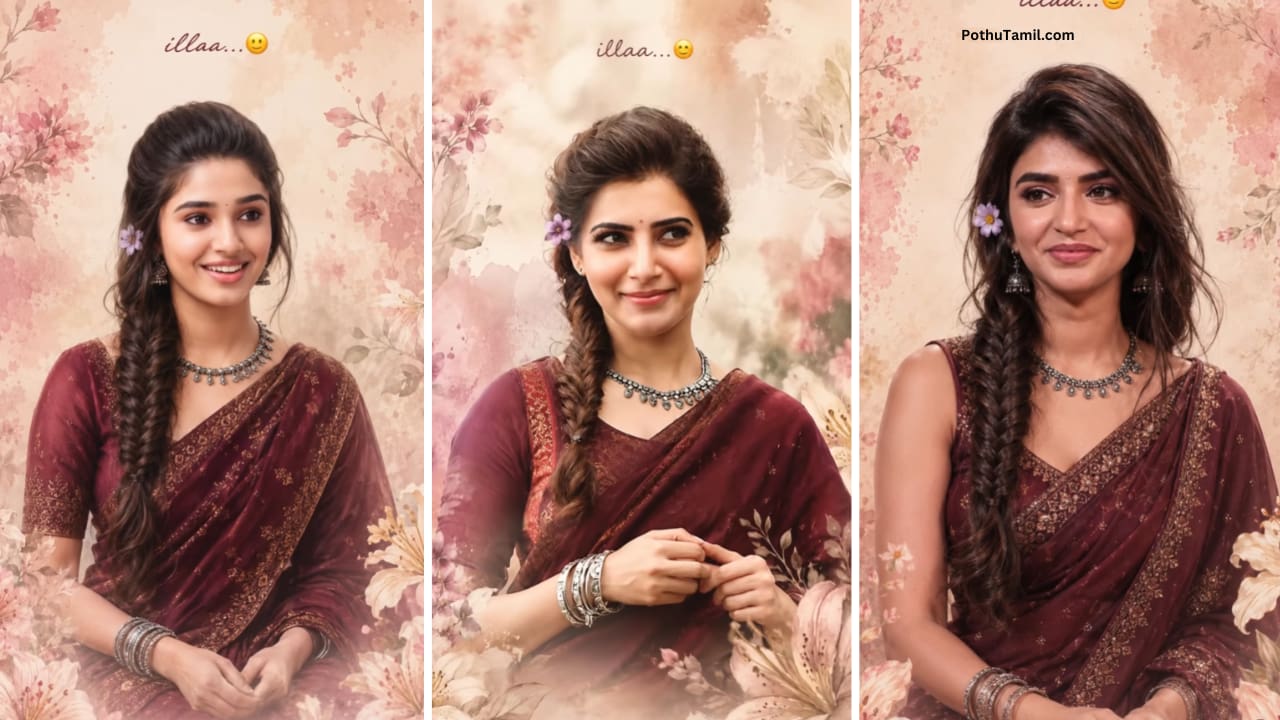
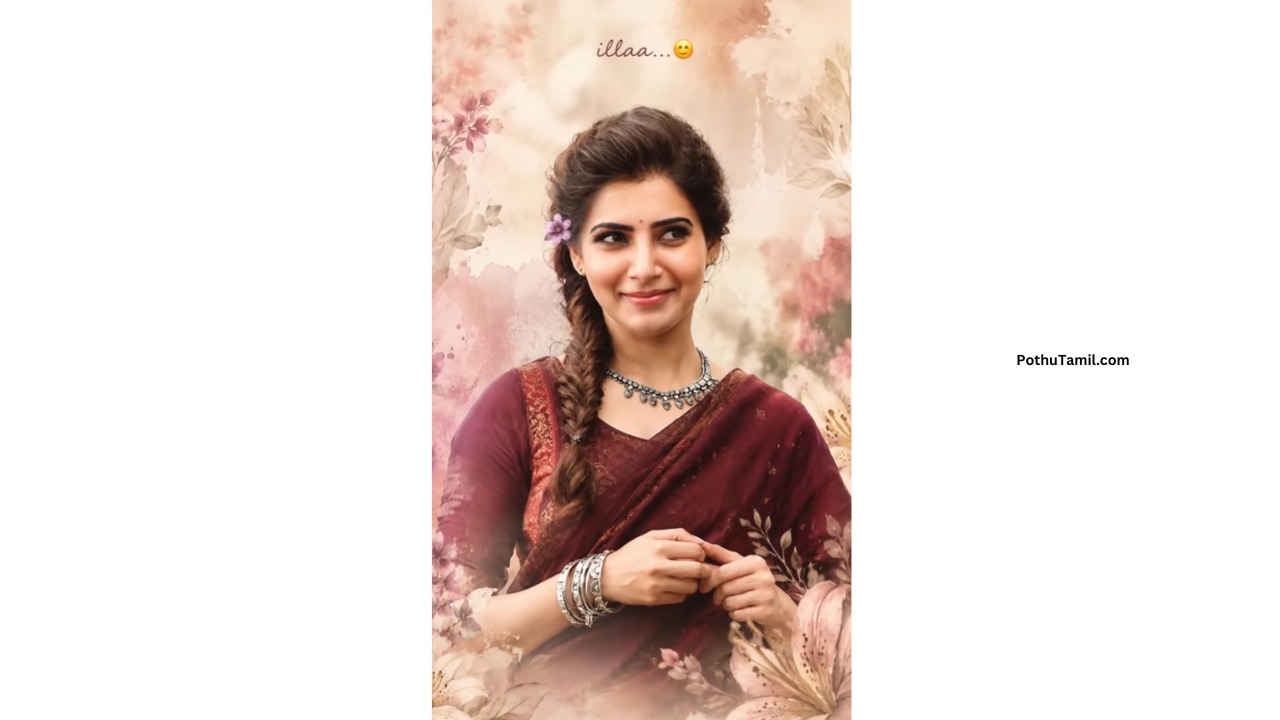
Ultra-realistic soft dreamy portrait of a beautiful young Indian woman with fair glowing skin, long thick fishtail braid hairstyle with soft loose strands, expressive dark brown eyes, cute shy smile, looking slightly sideways, elegant South Indian appearance, wearing an elegant deep maroon silk saree with intricate golden embroidery patterns and matching full-sleeve blouse, soft fabric folds with rich traditional texture, silver oxidized necklace, stacked silver bangles, tiny black bindi, small purple flower tucked behind one ear, warm natural skin tone, minimal soft makeup, dreamy watercolor-style floral background in pastel beige, blush pink and cream tones, surrounded by soft lilies and delicate painted flowers, soft cinematic lighting, pastel aesthetic, cozy emotional vibe, subtle creamy bokeh, ultra detailed realistic face texture, natural candid pose with hands gently folded near waist, artistic painting effect blended with DSLR realism, elegant feminine mood, Instagram story style composition, muted premium color grading, smooth glow effect, soft shadows, vertical 9:16 portrait photography, handwritten text at top saying “illaa…🙂” in elegant cursive font, small caption at bottom saying “Me to myself”, masterpiece quality, highly detailed, romantic dreamy atmosphere, aesthetic social media edit style, soft luxury portrait photography.
Final Thoughts
Learning how to edit a AI file is an essential skill for modern designers working in graphic design, branding, and digital marketing. It allows complete control over vector-based artwork and supports high-quality design creation.
With tools like Adobe Illustrator and modern design workflows, AI file editing has become an important part of both professional and trending photo editing industries. Whether for business branding or social media content, mastering AI file editing can significantly improve design quality and creative output.
467
My life mom dad
Tamilselvan
Ai edit
is
is
Trending photos editing
Editing
Name
Trending photos editing
Geethageetha
Mrari
Photo Ai
Trending photo editing
My photo editing
Ai
Ai
Photophoto
Ai
Beautiful photo doing my photo
Beautiful photo make
Prompt
Beautiful photo make
Beautiful photo make
Super
This is the best app for photo making
Super
Beautiful photo make
🥰சூப்பர்
Pothu thamil
Childhood photo trending photo edit app tamil trending photo 📷