
Introduction
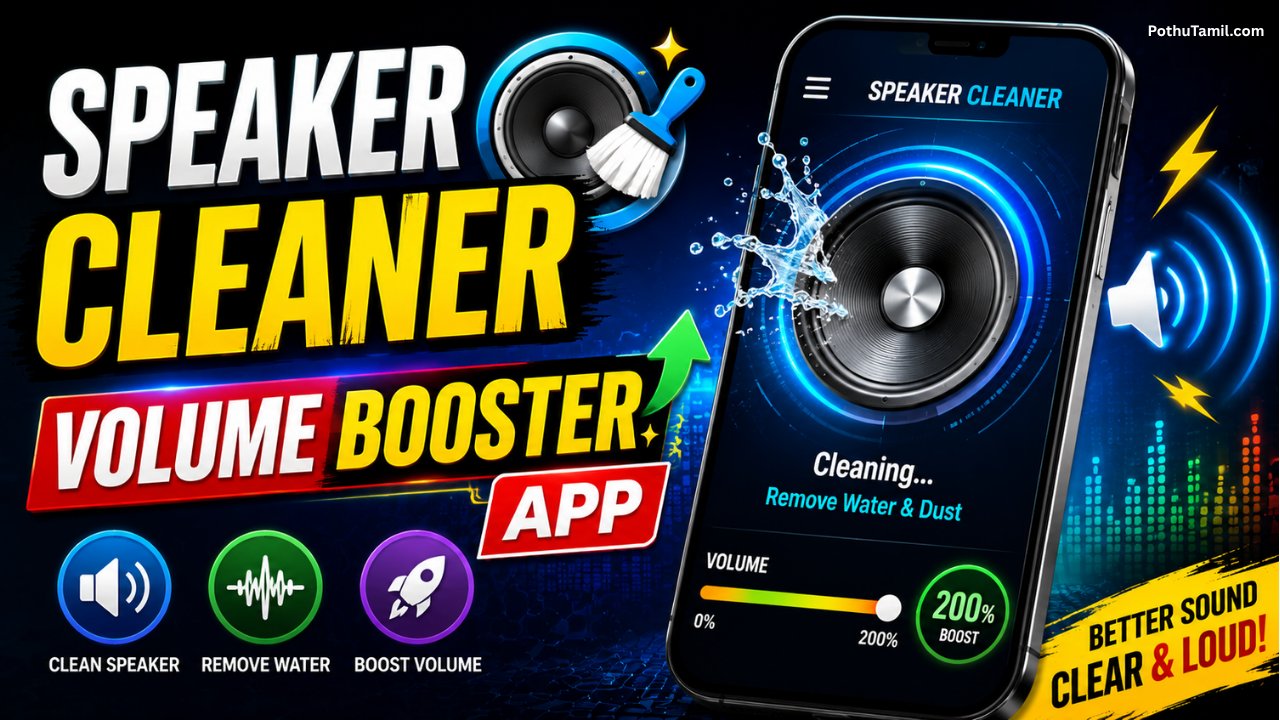
A smartphone speaker can gradually lose sound quality because of dust, moisture, lint, or everyday environmental exposure. When audio starts sounding quieter, muffled, or less clear, users often look for a simple Speaker Cleaner – Volume Booster App that can help improve the listening experience without immediately replacing the phone or speaker hardware.
These applications generally combine speaker-cleaning sound frequencies with volume or audio-enhancement features. The cleaning function typically plays specially designed tones intended to help move unwanted moisture or particles away from the speaker opening, while volume-related tools may provide additional control over the device’s audio output. The actual effectiveness depends on the phone, speaker design, operating system, and condition of the hardware.
What Is a Speaker Cleaner – Volume Booster App?
A Speaker Cleaner – Volume Booster App is a mobile utility designed to provide software-based tools for improving smartphone audio and helping users deal with certain common speaker issues. Instead of physically cleaning the speaker grille, a cleaner feature may generate specific audio frequencies that cause the speaker to vibrate.
Some applications combine this function with an audio booster, equalizer, or volume-control feature. This makes the app appealing to users who want both a speaker-maintenance utility and additional control over their phone’s sound.
It is important to understand that software cannot repair physically damaged speaker components. If a speaker has a hardware fault, severe blockage, corrosion, or permanent damage, an application may not solve the underlying problem.
How Speaker Cleaner Apps Work
The cleaning feature usually works by playing a controlled audio tone through the device speaker. The speaker diaphragm moves as it produces the sound, and the vibration may help dislodge or move small amounts of moisture or debris around the speaker opening.
Different applications may offer different frequencies, sound patterns, or automated cleaning cycles. Some provide a one-tap cleaning mode, while others allow users to select a specific frequency or duration.
The process is primarily intended as a maintenance aid rather than a substitute for professional hardware cleaning. Users should also avoid assuming that every type of obstruction can be removed through sound. Physical debris lodged deep inside the device may require appropriate cleaning or professional service.
Volume Booster Features
The volume-booster side of these applications is designed to make audio appear louder or provide additional control over sound output. Depending on the app and Android version, this may involve software amplification, equalizer adjustments, media-volume controls, or other audio-processing techniques.
A volume booster can be useful when standard media volume feels insufficient for certain content. However, increasing audio output beyond the phone’s normal level can introduce distortion, reduce sound quality, or place additional stress on the speaker.
For everyday listening, users should prioritize clear audio over simply maximizing loudness. If distortion begins after activating a booster, reducing the amplification level is generally a better approach.
Main Features to Consider
The quality of a speaker-cleaning application depends on more than having a large volume button. Users should look at the overall utility, controls, compatibility, and safety of the application.
Useful features may include:
- Dedicated speaker-cleaning mode
- Adjustable cleaning duration or frequency
- Media-volume controls
- Equalizer or sound-enhancement options
- Simple one-tap operation
- Device compatibility information
- Clear privacy and permission information
An application with straightforward controls can be preferable to one that adds unnecessary features or requests extensive permissions.
Speaker Cleaner vs Physical Cleaning
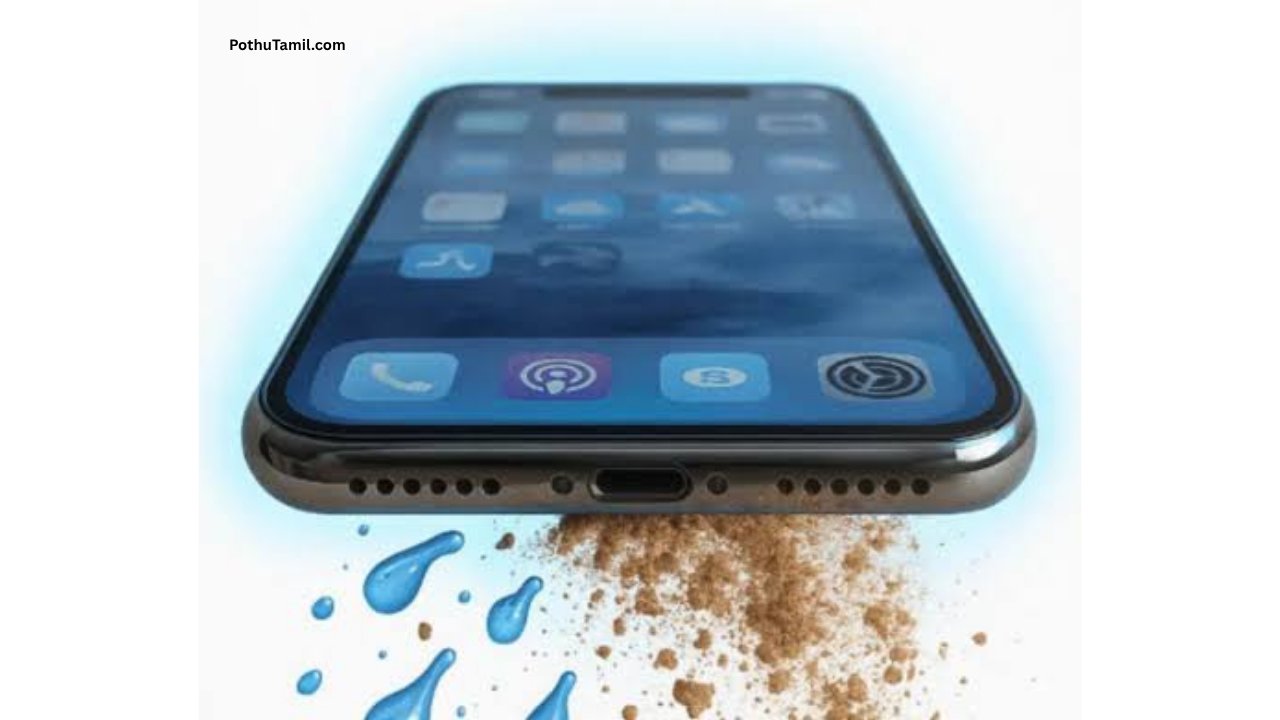
A software cleaning tool and physical cleaning serve different purposes. A sound-based cleaner may be useful when moisture or very small particles are affecting audio output, while physical cleaning is more appropriate when visible dust or debris is blocking the speaker grille.
Users should not insert sharp objects, liquids, or unsuitable cleaning materials into speaker openings. Modern smartphones can contain delicate components, and improper cleaning can turn a minor audio problem into a hardware repair issue.
If the speaker remains muffled after reasonable maintenance, professional inspection may be more appropriate than repeatedly running cleaning sounds.
Can a Speaker Cleaner Remove Water?
Some speaker-cleaning applications are marketed for situations where a phone has been exposed to moisture. Playing an appropriate tone may help move some water away from the speaker area, but it should not be considered a guaranteed method for drying a wet smartphone.
If a device has significant water exposure, users should follow the manufacturer’s recommended handling instructions. Continuing to charge or operate a seriously wet device can create additional risks. A sound-based application should not replace proper device-drying procedures or professional service when needed.
Volume Boosting and Audio Quality
Higher volume does not always mean better audio. When software amplification pushes the speaker beyond its comfortable operating range, users may notice clipping, distortion, harsh high frequencies, or reduced clarity.
| Audio Setting | Possible Benefit | Possible Limitation |
|---|---|---|
| Normal volume | Balanced everyday listening | May feel quiet in noisy environments |
| Moderate boost | Louder media playback | Can introduce some distortion |
| Strong boost | Maximum perceived loudness | Greater chance of distortion |
| Equalizer adjustment | Better tonal balance | Results vary by device |
The ideal setting depends on the phone’s hardware and the type of audio being played. A moderate adjustment is often more practical than continuously using maximum amplification.
Battery and Performance
Speaker-cleaning sounds are generally short-duration tasks, so their battery impact is usually limited. However, applications that continuously run audio processing, equalizers, background services, or other enhancements may use additional system resources.
Users who notice unusual battery consumption should check whether the application is running in the background and review its permissions and battery settings. A utility that only needs to operate when manually launched is generally easier to manage than one that remains active unnecessarily.
Privacy and Security
A speaker utility should not require extensive access to unrelated personal information simply to play audio or control sound settings. Before installing an application, users should review the permissions it requests and consider whether each permission has a clear purpose.
Downloading applications from reputable app stores is also preferable to installing modified APK files from unknown sources. Unofficial versions can potentially contain unwanted software or altered functionality.
Privacy policies can also provide useful information about whether an application collects device information, analytics, advertising identifiers, or other data. Users should review these details before using an unfamiliar utility.
Free vs Premium Speaker Cleaner Apps
Many speaker-cleaning and volume-enhancement applications use a free model supported by advertising, while advanced features may be offered through an optional premium version. Premium functionality can include additional audio controls, enhanced equalizer settings, fewer advertisements, or expanded cleaning options.
Before purchasing a subscription, users should compare the actual features included in the plan with their requirements.
| Feature | Free Version | Premium Version |
|---|---|---|
| Basic speaker cleaning | Often available | Included |
| Volume controls | Basic | May be expanded |
| Equalizer | May be limited | More controls may be available |
| Advertisements | May appear | May be reduced or removed |
| Advanced features | Limited | Depends on the app |
Pricing and features vary between applications, so users should check the current listing before making a purchase.
When a Volume Booster App Is Useful
A volume booster can be useful in situations where standard media volume is difficult to hear, such as when listening to podcasts, watching videos, or playing certain recordings with relatively low source volume.
However, it is not a replacement for better hardware. If the phone’s speaker is consistently too quiet, distorted, or damaged, upgrading to a better external speaker, headphones, or another audio solution may provide a more reliable improvement.
Users should also remember that perceived loudness depends on the original recording. A poorly mastered or very quiet audio file may not become significantly better simply by increasing the device volume.
When You Should Consider Professional Repair
If the speaker suddenly becomes extremely quiet, produces crackling sounds, stops working, or remains distorted after basic troubleshooting, there may be a hardware problem. In such cases, repeatedly increasing the software volume is unlikely to resolve the underlying issue.
Professional inspection can be especially appropriate when a phone has experienced a drop, liquid exposure, physical damage, or prolonged audio problems. A qualified technician can determine whether the issue involves the speaker module, grille, internal connections, or another component.
How to Choose a Good Speaker Cleaner App
When comparing applications, look beyond screenshots and download numbers. Check recent user feedback, developer information, compatibility, permissions, update history, and privacy disclosures.
A useful utility should make its purpose clear and avoid unnecessary permissions. It should also provide sensible controls instead of encouraging users to keep volume permanently at extreme levels.
For users who need advanced audio customization, an application with a properly designed equalizer may provide more value than a basic volume slider. For occasional maintenance, a simple speaker-cleaning utility may be sufficient.
Frequently Asked Questions
Does a speaker cleaner app physically clean the speaker?
No. It uses sound and vibration rather than physically removing debris. It may help with certain minor moisture or particle-related issues but cannot replace physical cleaning or repair.
Can a volume booster damage phone speakers?
Excessive amplification can cause distortion and may place additional stress on speaker hardware. Using moderate levels and reducing the boost when distortion appears is advisable.
Can these apps fix a damaged speaker?
No. Software cannot repair physically damaged speaker components. Hardware problems may require professional inspection or replacement.
Are speaker-cleaning apps free?
Many provide basic functions for free, while some offer premium features or subscriptions. Pricing varies by application.
Do speaker cleaner apps remove water?
Some are designed to help move moisture away from the speaker area using sound vibrations, but they are not guaranteed to remove all water and should not replace proper moisture-handling procedures.
Should I use maximum volume boost?
It is generally better to use the lowest amplification level that provides comfortable listening. Excessive boosting can reduce audio quality and create distortion.
Final Verdict
A Speaker Cleaner – Volume Booster App can be a convenient utility for smartphone users who want to experiment with speaker-cleaning tones, audio controls, and moderate volume enhancement from one application. Its biggest advantage is convenience, particularly when the issue is minor and the phone’s hardware is otherwise functioning normally.
However, expectations should remain realistic. A software-based cleaner cannot repair damaged hardware, guarantee complete moisture removal, or turn every smartphone speaker into a high-powered audio system. Excessive volume amplification can also introduce distortion and potentially place unnecessary stress on the speaker.
For the best experience, choose an application with transparent permissions, clear privacy information, reliable controls, and sensible audio settings. Use cleaning features as a maintenance aid rather than a substitute for proper device care, and consider professional repair when persistent audio problems indicate a possible hardware issue.
No leave