
Introduction
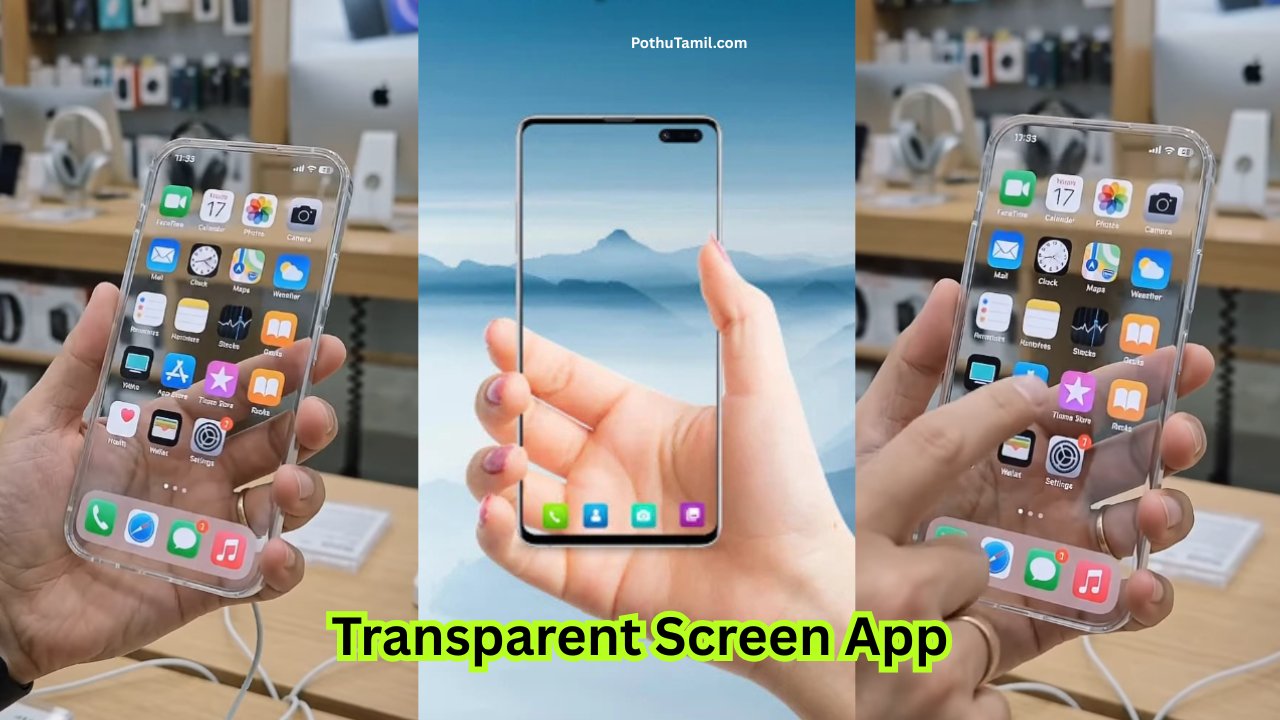
Smartphone personalization has moved beyond ordinary wallpapers. Users now have access to live wallpaper app, 3D backgrounds, interactive effects, animated lock screens, and other visual customization options that can completely change the appearance of a device. A Transparent Screen Live Wallpaper App takes this idea further by creating an effect that makes the phone screen appear transparent or visually connected to the environment behind it.
This type of wallpaper can be appealing to users who enjoy unique Android customization and want their home screen to look different from standard static backgrounds. Depending on the application, the effect may use the device camera, animated overlays, transparency effects, or specially designed backgrounds to create the appearance of a see-through display. Because different apps use different technologies, the actual result can vary considerably between devices.
What Is a Transparent Screen Live Wallpaper App?
A Transparent Screen Live Wallpaper App is a personalization application designed to create a transparent-screen or see-through visual effect on a smartphone. Instead of displaying only a conventional image, the application may use live camera footage or visual effects to make the home screen appear as though the background behind the phone is visible through the display.
The concept is primarily designed for entertainment and smartphone customization. It does not physically make the display transparent. Rather, software combines the phone’s display capabilities with visual processing to create an illusion of transparency.
For users who frequently change wallpapers and themes, this can provide a different experience from conventional wallpaper applications. It can also be combined with widgets, icons, and other personalization features to create a more customized home-screen setup.
How the Transparent Live Wallpaper App Effect Works
The technology behind these applications can vary. Some transparent wallpaper apps use the smartphone’s camera to capture the surroundings and display that camera feed as the wallpaper. When icons are placed over the live background, the screen can appear to show the environment behind the device.
Other applications may rely on animated graphics, simulated transparency, or pre-designed visual effects rather than continuously using the camera. This distinction is important because camera-based applications can have a greater effect on battery usage and device resources.
The final appearance also depends on the phone itself. Camera quality, display resolution, refresh rate, processor performance, and Android version can influence how smoothly the effect works. A newer device may provide a smoother experience than an older smartphone with limited hardware resources.
Key Features to Look For
A good transparent live wallpaper application should offer more than just an attractive visual effect. Ease of setup, performance, privacy controls, and customization options can significantly affect the overall experience.
Live Background Effect
The main feature is the transparent or see-through visual effect. Depending on the app, users may be able to choose different camera perspectives, visual effects, or animated backgrounds.
Customization Options
Some applications provide controls for brightness, transparency, animation intensity, camera selection, or visual appearance. These settings can help users create a more comfortable home-screen design rather than relying on a single default effect.
Wallpaper and Theme Compatibility
Compatibility with existing Android launchers, icons, widgets, and lock-screen configurations can also matter. A wallpaper that works smoothly with the user’s existing home-screen setup is generally more convenient.
Performance Controls
Because live wallpaper app can continuously use system resources, options for reducing animation intensity or controlling background behavior can be useful. Users should look for applications that offer reasonable performance optimization.
Camera-Based Transparent Wallpapers
Camera-based transparent wallpapers are among the most recognizable versions of this concept. The application uses the camera to capture the environment and displays that feed behind the home-screen icons. This creates the visual impression that the display is transparent.
However, users should understand the privacy implications of this design. An application that continuously uses the camera requires appropriate camera access, and users should only install software from sources they trust. Checking the application’s permissions and privacy information before enabling camera access is an important step.
Camera use can also affect battery life. Continuous camera operation requires additional processing and power, meaning the effect may consume more battery than a conventional static wallpaper.
Battery and Performance
Live wallpaper app generally require more system resources than static images. A transparent wallpaper that uses camera processing can increase battery consumption even further because the device may need to keep the camera and display processing active.
The impact varies by smartphone, operating system, screen technology, refresh rate, and application design. Users who notice overheating, faster battery drain, animation delays, or reduced performance should consider reducing the effect or switching back to a conventional wallpaper.
| Wallpaper Type | Resource Usage | Suitable For |
|---|---|---|
| Static wallpaper | Low | Everyday use |
| Animated wallpaper | Moderate | Visual customization |
| Camera-based transparent wallpaper | Potentially higher | Interactive visual effects |
| High-resolution live wallpaper app | Moderate to high | Powerful smartphones |
The table is a general comparison; actual performance depends on the particular application and device.
Privacy and Security Considerations
Privacy should be one of the first things users consider when installing a transparent live wallpaper application. If the app requires camera access, users should understand why that permission is needed and whether the application provides clear information about camera usage and data handling.
It is better to avoid applications that request unrelated permissions without a clear reason. A wallpaper application generally should not need extensive access to personal information simply to provide a visual effect. Reviewing permissions through the phone’s settings and checking the developer’s privacy information can help users make a more informed decision.
Users should also prefer reputable app stores and legitimate application listings instead of downloading modified APK files from unknown websites. Third-party downloads can introduce additional security risks and may not provide the same protections as official distribution channels.
Free vs Premium Features
Many personalization applications follow a free-and-premium model. The basic transparent effect may be available without payment, while advanced visual effects, additional themes, higher customization options, or an ad-free experience may require a subscription or one-time purchase.
Before paying for a premium plan, users should compare the actual features included with the price. A premium upgrade may be worthwhile for someone who frequently customizes their smartphone, but occasional users may find the free functionality sufficient.
| Feature | Free Version | Premium Version |
| Basic wallpaper effect | Often available | Included |
| Additional visual effects | Limited | May be expanded |
| Customization | Basic | Advanced options may be available |
| Advertising | May be present | May be reduced or removed |
| Premium themes | Limited | May be included |
Features and pricing vary between applications, so users should check the current listing before purchasing.
Benefits of Transparent Live Wallpaper App
The biggest advantage is visual customization. A transparent effect can make an ordinary Android home screen feel more dynamic and unusual without requiring a complicated launcher setup.
It can also be useful for users who enjoy experimenting with smartphone themes. The effect can be combined with custom icons, widgets, wallpapers, and other personalization tools to create a distinctive appearance.
For content creators or people who regularly showcase smartphone setups, an unusual live wallpaper app can also make a device look more visually interesting in photographs or videos.
Limitations to Consider
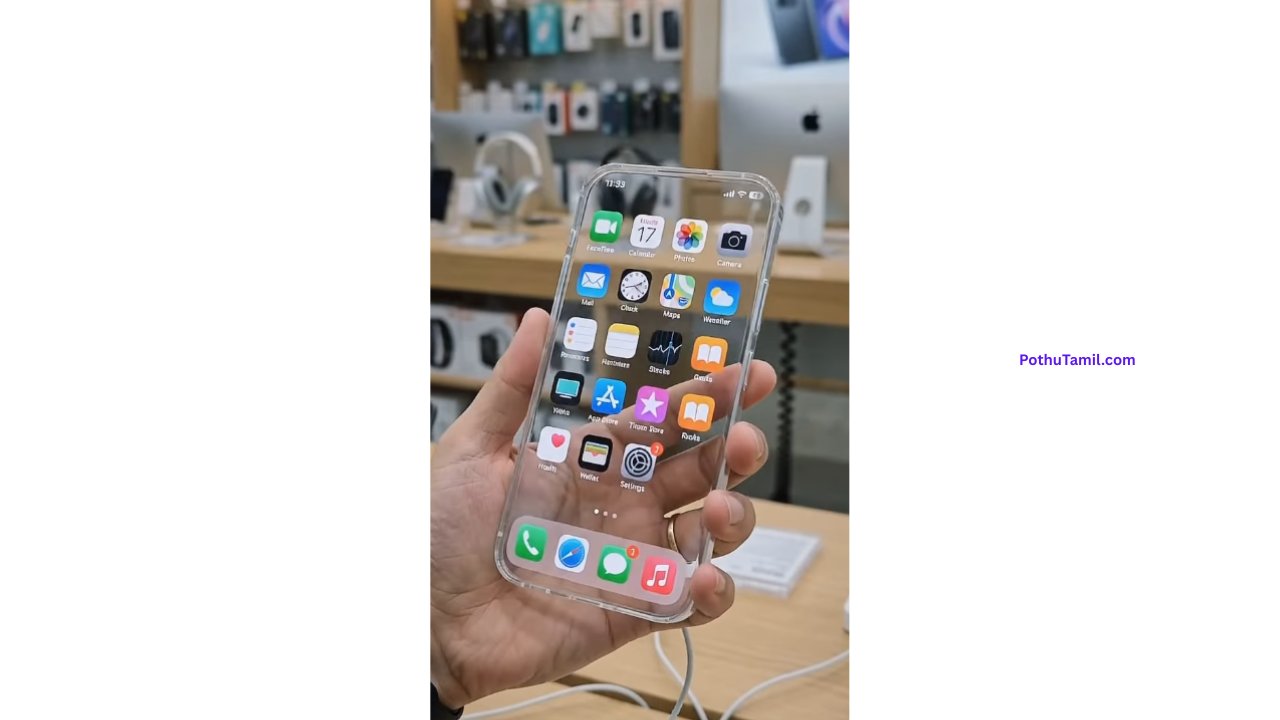
Despite the attractive concept, transparent wallpaper applications have some limitations. The visual effect is simulated rather than genuine display transparency, and camera-based implementations may consume more battery than standard wallpapers.
The camera feed can also make the home screen less visually consistent because the background changes according to the environment. Some users may find this distracting when reading icons or widgets.
Older smartphones may experience reduced performance, especially if the application uses continuous camera processing or demanding visual effects. Compatibility can also vary depending on the Android version and launcher.
How to Choose a Good Transparent Live Wallpaper App
When comparing transparent live wallpaper applications, users should consider several practical factors rather than choosing purely based on screenshots.
Look for an application with clear developer information, transparent privacy practices, reasonable permissions, good compatibility, and recent updates. User reviews can provide additional information about battery consumption, crashes, advertisements, and device compatibility.
It is also useful to check whether the application offers customization controls and whether the free version provides enough functionality before committing to a premium subscription.
Who Should Use It?
A transparent live wallpaper application is mainly suitable for Android users who enjoy personalization and visual experimentation. It can be particularly interesting for people who like animated home screens, futuristic interfaces, interactive backgrounds, and unusual smartphone themes.
Users who prioritize maximum battery life or minimal system resource usage may prefer static wallpapers instead. Similarly, people who do not want to grant camera access to a wallpaper application may want to choose a non-camera-based transparency effect.
Is a Transparent Screen Live Wallpaper App Worth It?
The answer depends on what you expect from your smartphone customization experience. If you want a visually distinctive home screen and are comfortable with the potential battery and privacy considerations, a transparent live wallpaper app can be an enjoyable addition.
For everyday use, however, a static or lightweight animated wallpaper may provide a better balance between appearance, performance, and battery efficiency. The best choice depends on whether the visual effect is worth the additional resources required by the application.
Frequently Asked Questions
Does a transparent wallpaper make the phone screen physically transparent?
No. The effect is created digitally using camera footage, animations, or other visual techniques. The physical display remains unchanged.
Does it require camera access?
Some transparent wallpaper applications do, particularly those that display a live view of the environment. Other applications may create simulated effects without continuous camera access.
Does a transparent live wallpaper app drain battery?
It can. Camera-based and continuously animated wallpapers may consume more power than static backgrounds. The actual impact depends on the application and smartphone.
Is it safe to use?
Safety depends on the specific application, developer, permissions, and privacy practices. Downloading from reputable sources and reviewing permissions is recommended.
Can I use it on any Android phone?
Compatibility varies. Android version, launcher, hardware capabilities, and application requirements can affect whether the wallpaper works correctly.
Are transparent wallpapers free?
Many applications provide basic features for free while offering premium effects or customization through subscriptions or purchases. Pricing varies between developers.
Final Verdict
A Transparent Screen Live Wallpaper App can be an interesting way to give an Android smartphone a futuristic and interactive appearance. By using camera-based backgrounds, animated effects, or simulated transparency, these applications create an experience that is considerably different from a standard wallpaper.
The main factors to consider are visual quality, battery consumption, camera permissions, privacy practices, device compatibility, advertisements, and premium pricing. A visually impressive wallpaper is not necessarily the best choice if it causes excessive battery drain or requests permissions that are unrelated to its purpose.
For users who enjoy smartphone personalization, a transparent live wallpaper app can be worth trying, particularly on modern devices with sufficient performance. Before installing one, check the application’s latest features, permissions, reviews, and privacy information, and choose an option that provides a good balance between customization and everyday usability.
Naresh
Jayiprakash
💋❤️😍
Fantastic
Transfer display
Screen
Sivasangaran
👍
Hi
Screen
Super
💬 Leave a Comment 💬
╭──────────────╮
│ 💗 Comment 👇 │
╰──────────────╯
மிகவும் அருமையான வால்பேப்பர்! எனது மொபைல் திரைக்கு மிகவும் அழகாக இருக்கிறது. பகிர்ந்தமைக்கு நன்றி! ❤️”
“அற்புதமான கலெக்ஷன்! பின்னணி படங்கள் அனைத்தும் மிகவும் தெளிவாகவும் அழகாகவும் உள்ளன.”
“இதன் வண்ணங்களும் டிசைனும் ரொம்பவே சூப்பரா இருக்கு! உடனடியாக செட் செய்துவிட்டேன்
Screen
Wallpaper
Supper
Good
Prompt vennum
Full movie
Transparent
Super
Hi
Nice
Good
Super
Super
Good
Good
Super
Nice ☺️
Super
Nice
Good
Nice o nice…..
Fantastic app
What to say it’s really fantastic
Good good ….hoo hoo very good