

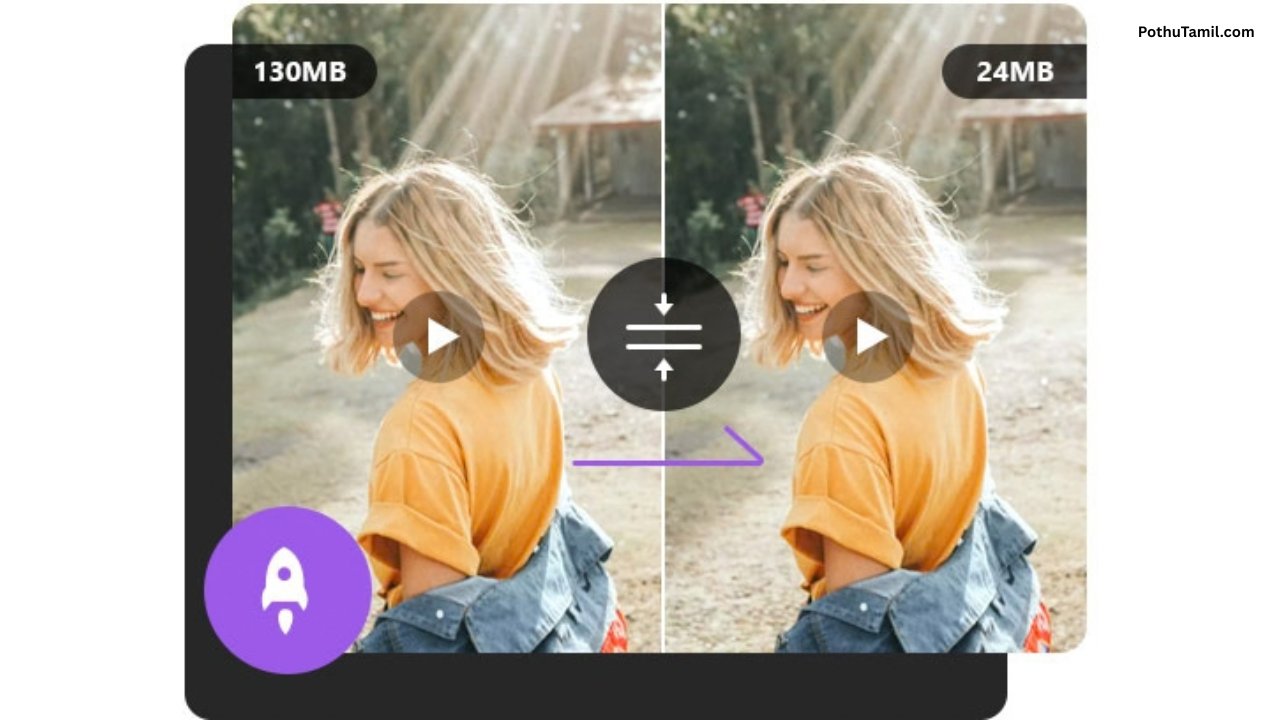
A video compressor online is a useful tool for reducing the file size of videos without requiring complicated editing software. Large video files can take longer to upload, consume more storage space, and become difficult to share through email, messaging apps, websites, and social media platforms. Online video compression tools make this process easier by allowing users to upload a video, adjust compression settings, and download a smaller version directly from a web browser.
As video quality continues to improve, file sizes have also become larger. 4K recordings, high-frame-rate videos, and long screen recordings can quickly consume storage. Using a video compressor online can help reduce these file sizes while keeping the video suitable for sharing, publishing, or storing.
What Is a Video Compressor Online?
A video compressor online is a web-based service that reduces the size of a video file. Instead of installing a desktop application, users can generally upload a video through their browser and allow the service to process it.
Video compression works by reducing unnecessary data from a video or using more efficient encoding methods. Depending on the tool, users may be able to select video resolution, quality, bitrate, format, or other compression settings.
This can be particularly useful when a video is too large for a particular website, messaging service, cloud-storage system, or email attachment.
How Does Online Video Compression Work?
When a video is uploaded to an online compressor, the service processes the original file using video encoding technology. The resulting file usually has a smaller size than the original while attempting to maintain acceptable visual quality.
The amount of compression depends on several factors, including the original resolution, bitrate, codec, frame rate, and duration of the video. A high-resolution video recorded at a high bitrate can often be reduced substantially, while aggressive compression may produce visible quality loss.
Many modern services use codecs such as H.264 and H.265/HEVC, while newer tools may also support more recent formats depending on browser and platform compatibility.
Video Quality and File Size
One of the most important considerations when compressing a video is finding the right balance between quality and file size. Reducing the file size too aggressively can result in blurry images, visible artifacts, or loss of detail.
For casual sharing, a moderate reduction may be enough. For professional presentations, business videos, product demonstrations, or marketing content, maintaining higher quality can be more important than achieving the smallest possible file.
Resolution is another important factor. Converting a 4K video to 1080p, for example, can significantly reduce the amount of data required while still providing good quality on many screens.
Compressing Videos for Social Media
Social media platforms often process uploaded videos automatically, but compressing a video before uploading can make the process faster and more predictable.
A smaller file can reduce upload time and make it easier to work with videos captured from smartphones or cameras. Creators can also prepare different versions of the same video for different platforms.
For example, a long high-resolution recording may be compressed into a smaller version for quick sharing while the original high-quality file remains available for editing or archival purposes.
Video Compressor Online for Email and Messaging
Large videos can be difficult to send through email because many email services impose attachment-size limits. A video compressor online can help by reducing the file before it is attached.
The same concept applies to messaging and collaboration platforms. Smaller videos can be uploaded and shared more easily, particularly when users are working with limited internet bandwidth.
For personal videos, screen recordings, tutorials, and short business clips, compression can make everyday sharing much more convenient.
Online Video Compression for Businesses
Businesses often work with large amounts of video content, including product demonstrations, training materials, advertisements, customer-support recordings, webinars, and internal presentations.
Compressing these files can reduce storage requirements and make them easier to distribute across teams. It can also help websites load video content more efficiently when properly optimized.
For organizations that regularly manage large video libraries, professional video-processing and cloud-storage platforms may provide more control than a basic online compressor.
Popular Video Compression Software and Online Tools
Different video compression tools are designed for different users. Simple browser-based services are useful when someone needs to compress a video quickly without installing software.
For users who need more control, applications such as HandBrake provide advanced encoding options and support for different formats and codecs. Professional users may also use Adobe Premiere Pro or similar video-editing software when compression is part of a larger editing workflow.
Cloud-based platforms can be useful for businesses that need automated processing, video hosting, or large-scale media management. These services can provide features beyond basic file-size reduction, making them more relevant for professional video workflows.
Video Compressor Online vs Desktop Software
An online compressor is generally convenient because it does not require installation. It can be accessed from different computers and is useful for quick compression tasks.
Desktop software can be better when users regularly compress large files or need detailed control over encoding settings. Applications such as HandBrake allow users to configure output settings locally and process files without uploading them to an external service.
The choice depends on the type of video, the required output quality, file size, privacy considerations, and how frequently compression is needed.
Privacy and Video Compression
Privacy is an important consideration when using an online video compressor. Uploading a video to a third-party service means the file is processed through that service’s infrastructure.
Users should review the provider’s privacy policy, file-retention practices, and security information before uploading sensitive content. Business recordings, confidential meetings, personal documents shown on screen, and private footage may be better processed locally when privacy is a major concern.
Desktop applications can provide an alternative because the original video can remain on the user’s computer during the compression process.
Is a Video Compressor Online Free?
Many online video compressors provide a free option, although limitations can vary between services. Free versions may restrict maximum file size, output resolution, processing speed, daily usage, or available compression settings.
Paid plans may provide larger uploads, faster processing, higher output quality, additional formats, or greater usage limits. For occasional personal compression, a free service may be sufficient. Businesses and professional creators who process videos regularly may benefit from a paid video-processing platform.
When choosing a paid service, it is useful to compare not only the subscription price but also upload limits, output quality, processing capacity, privacy policies, and supported formats.
How to Choose the Right Video Compressor Online
The best option depends on what the video will be used for. Someone who simply needs to reduce a short phone recording may only need a basic browser-based compressor.
Users working with professional footage should look for better control over bitrate, resolution, codec, and output format. Businesses should also consider security, privacy, processing limits, and whether the service can handle repeated or large-scale workloads.
It is also important to check the final video rather than judging compression only by its file size. A smaller file is not necessarily better if the resulting quality is unsuitable for its intended purpose.
Conclusion
A video compressor online provides a convenient way to reduce video file sizes without installing complicated software. It can make videos easier to upload, share, store, and publish while helping users manage large media files more efficiently.
For occasional compression, browser-based tools can be a quick and practical solution. Users who need more control can turn to desktop applications such as HandBrake or professional editing software, while businesses with larger video workflows may benefit from dedicated cloud-based media platforms.
By choosing appropriate resolution, bitrate, format, and compression settings, a video compressor online can significantly reduce file size while maintaining the level of quality needed for sharing, publishing, or everyday use.