
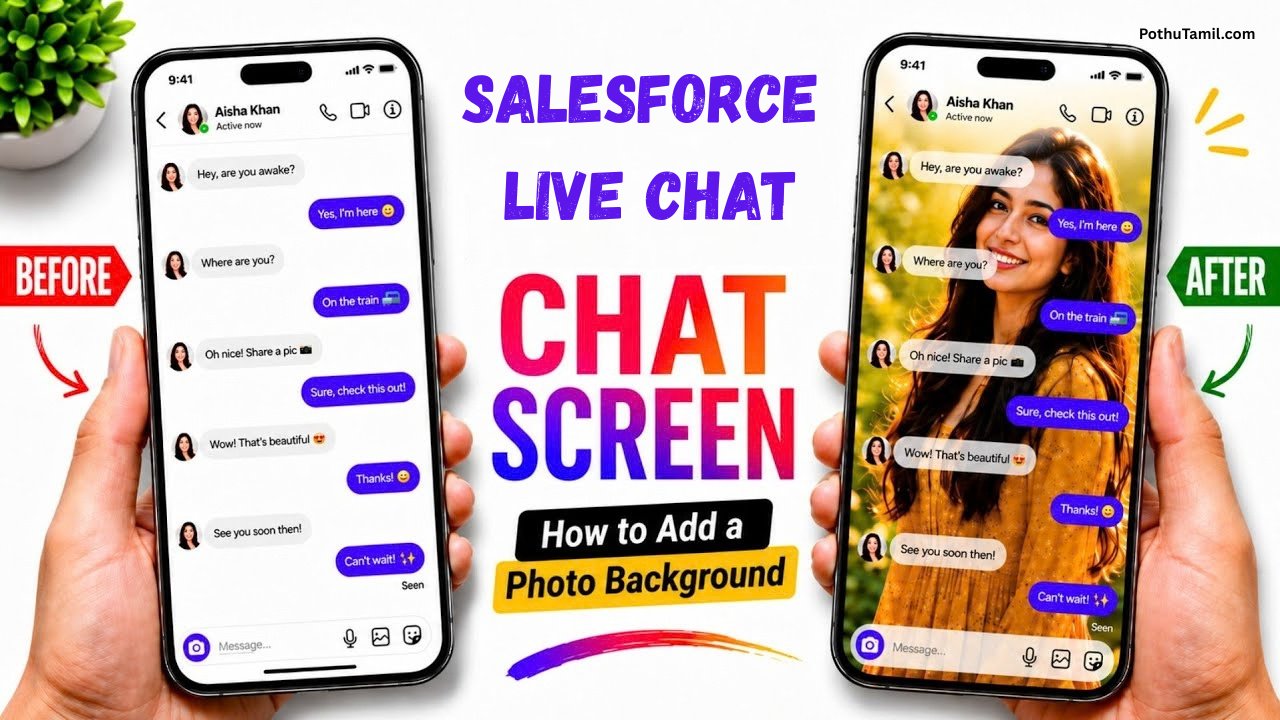
Customer support has changed significantly as more people expect businesses to provide quick answers online. Instead of waiting for emails or spending time on phone calls, customers often prefer messaging a support team directly through a website or mobile application. The Salesforce Live Chat app experience helps businesses manage these conversations and connect customers with support representatives.
Salesforce combines customer information, service tools, and digital communication features to help businesses deliver support through different channels. Its modern messaging capabilities can also help teams manage conversations that continue beyond a single live interaction.
What Is the Salesforce Live Chat App?
The Salesforce Live Chat app refers to Salesforce’s customer-support chat and messaging capabilities. Businesses can use these tools to communicate with customers through websites and supported mobile applications.
Salesforce’s modern Enhanced Chat experience allows customers to start a conversation, leave, and return to it later while retaining the conversation history. This makes messaging useful for situations where customers cannot remain connected to a support representative continuously.
It is important to distinguish the legacy Salesforce Chat product from the newer messaging experience. Salesforce retired its legacy Chat product on February 14, 2026, so businesses setting up chat today should investigate Enhanced Chat and Messaging for In-App and Web rather than relying on the retired legacy product.
Key Features of Salesforce Live Chat
Salesforce offers several digital engagement capabilities designed to help customer service teams handle conversations more efficiently.
Website and In-App Messaging
Businesses can provide chat experiences through their websites and supported mobile applications. Customers can use these channels to ask questions, request assistance, and communicate with service teams without having to make a phone call.
For mobile applications, Salesforce provides messaging development tools for iOS and Android. These include options for using a ready-made messaging interface or building a more customized experience.
Intelligent Conversation Routing
Salesforce supports routing capabilities that help direct incoming conversations to suitable service representatives. Businesses can use these tools to organize support requests and manage how conversations are distributed among available agents.
This can be particularly useful for companies with multiple support teams or specialized departments.

AI-Powered Customer Support
Salesforce also offers AI-powered customer service capabilities. Depending on the products and configuration, businesses can use automation to help answer common questions, assist with routine tasks, and connect customers with human representatives when necessary.
AI can help reduce repetitive work, but businesses should ensure customers can receive human assistance when an automated response does not resolve their issue.
Multiple Messaging Channels
Salesforce digital engagement supports communication through channels such as web chat, in-app messaging, SMS, WhatsApp, and other supported messaging services.
Having different channels available can help businesses communicate with customers through the methods they already use. The exact channels available depend on the Salesforce products and configuration selected.
Benefits of Using Salesforce Live Chat
One of the main benefits of live chat is that customers can ask questions while they are browsing a website or using a service. This can make it easier to get assistance without interrupting the customer’s activity.
For support teams, connecting conversations with customer information can help representatives understand the context of a request. This may be especially useful when dealing with order questions, technical problems, account issues, or ongoing service cases.
Businesses can also use messaging to provide updates and follow up with customers. For example, a support team might send information about a service request or help a customer continue a conversation that began earlier.
Salesforce Live Chat App for Mobile
Salesforce supports messaging workflows through its mobile app, allowing authorized service representatives to communicate with customers from supported smartphones and tablets.
This can be helpful for employees who need to respond to customers while away from their desks. Salesforce documentation explains that mobile messaging requires appropriate configuration, permissions, and supported messaging channels.
Businesses should review the supported functionality and permissions before deploying mobile messaging to their teams.
Salesforce Live Chat App Pricing
Salesforce live chat and messaging costs depend on the products, licenses, and features a business needs. Companies should consider their existing Service Cloud subscription, number of agents, preferred communication channels, and automation requirements before choosing a plan.
Salesforce lists Agentforce Contact Center Digital at $75 USD per user per month, billed annually, on its published pricing page. Actual costs and availability can vary according to the selected edition and configuration, so businesses should confirm the current details directly with Salesforce.
You can explore the available options on the official Salesforce website.
Conclusion
The Salesforce Live Chat app experience gives businesses a way to communicate with customers through websites, mobile applications, and other digital messaging channels. Features such as conversation routing, CRM integration, and AI-powered assistance can help service teams organize customer interactions and respond to requests more efficiently.
For businesses considering a new implementation, Salesforce’s modern Enhanced Chat and Messaging for In-App and Web capabilities are important options to investigate, particularly following the retirement of legacy Chat.
Ultimately, the value of Salesforce messaging depends on how well it fits a company’s customer service requirements. With suitable configuration, clear communication processes, and access to human support when needed, businesses can use these tools to create more convenient and connected customer experiences.
Gobi
Karuppasamy
Chat wallpaper
Wallpaper
Wallpaper
Pasupathi pasupathi
Nice sight
Yes sir
Pothu Tamil
King 👑🫀
😩🥺🥺🥺🥺😩
😔🫤🥺
Sowmiya vishnu
Chat potho
Pothu Tamil
Pothu tamil super
Message chat photo edit
🫂💚❤️💚
I love this insta chat theme
Hema hema🫂
I like pothu tamil
Pothu tamil
Message chat photo edit
Super
I am sathya ok va
Wallpaper