

Adobe Video Editing software provides professional tools for creating, editing, and producing high-quality videos for businesses, content creators, filmmakers, and marketing agencies. Adobe offers video editing applications such as Premiere and Premiere Elements, designed for different levels of editing experience and production requirements. From advanced colour grading and audio enhancement to AI-powered editing workflows, Adobe video editing solutions can help users produce professional videos for advertising, social media, YouTube, and commercial projects.
What Is Adobe Video Editing?
Adobe Video Editing refers to the video production and editing tools available through Adobe’s creative software ecosystem. Adobe Premiere is designed for professional video editing, while Premiere Elements provides a more accessible editing experience with guided tools and automation.
Adobe Premiere supports detailed timeline editing, colour correction, audio production, visual effects workflows, and professional video production. It is suitable for editors who work with commercial videos, marketing campaigns, documentaries, and other demanding projects.
Premiere Elements focuses on simplifying common editing tasks. Its Quick, Guided, and Advanced editing modes help beginners and casual creators learn video editing while producing creative projects.
Choosing between these applications depends on the complexity of the video project, the required editing controls, and the available budget.
How Does Adobe Video Editing Work?
Adobe video editing applications allow users to import video footage, arrange clips, edit scenes, add transitions, adjust colours, and improve audio.
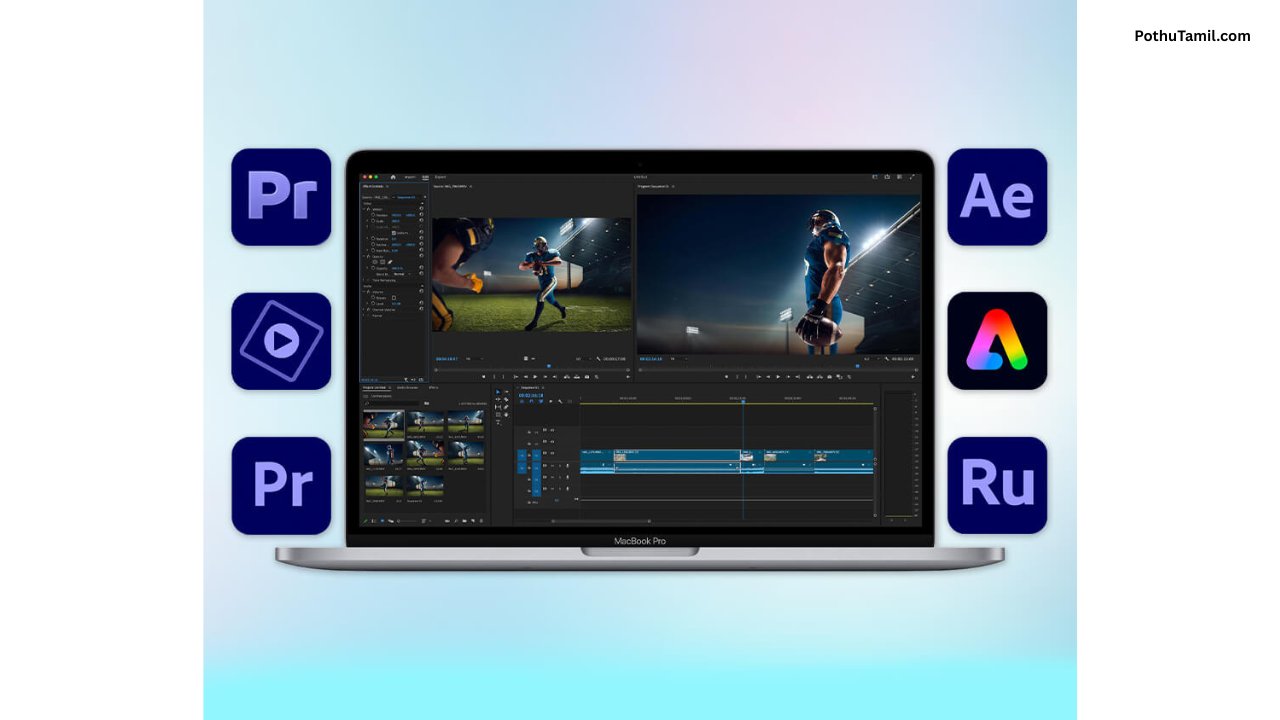
In Premiere, editors work primarily with a timeline containing video and audio tracks. They can arrange clips, trim unwanted sections, add effects, adjust sound, and refine the final sequence before exporting the video.
The workflow can also include other Adobe applications. For example, After Effects can be used for motion graphics and visual effects, while Adobe Audition provides specialised audio editing capabilities.
This connected creative workflow is particularly useful for professional production teams that need more control over video quality and presentation.
7 Powerful Adobe Video Editing Features
1. Professional Timeline Editing
Timeline editing is one of the most important features in Adobe Premiere. It allows editors to arrange multiple video and audio clips into a complete production.
Users can trim footage, rearrange scenes, adjust clip duration, and manage multiple tracks. This makes it easier to create structured videos for advertisements, tutorials, interviews, product demonstrations, and promotional campaigns.
Professional editors can also use more precise editing techniques to control how individual scenes connect. These capabilities are useful when producing videos that require detailed timing and consistent storytelling.
2. AI-Powered Video Editing
AI-powered tools can help reduce repetitive editing tasks and make video production more efficient.
Adobe Premiere includes AI-assisted workflows such as Media Intelligence, which helps editors search footage using information about visual content. Text-Based Editing can also help users work with dialogue and refine video sequences through text-based transcripts.
These features can be useful for marketing agencies, content production companies, and professional editors who work with large amounts of footage.
Premiere Elements also includes AI and automation features designed to simplify tasks such as trimming, resizing, and enhancing videos. The exact tools differ between Premiere and Premiere Elements.
3. Advanced Colour Correction and Grading
Colour correction helps videos achieve a consistent and professional appearance. Footage recorded using different cameras or lighting conditions may have noticeable differences in brightness, contrast, and colour.
Adobe Premiere offers professional colour correction and grading controls. Editors can adjust colour balance, exposure, shadows, highlights, and saturation to create the desired visual appearance.
Professional colour tools are particularly valuable for commercial advertising, product videos, interviews, and cinematic productions.
Premiere Elements also provides accessible colour adjustment tools for users who need to improve video appearance without working through a complex professional grading workflow.
4. Professional Audio Editing and Enhancement
Audio quality is an important part of video production. Background noise, unclear dialogue, and inconsistent sound levels can reduce the overall quality of a finished video.
Adobe Premiere provides audio editing tools that help users improve dialogue, reduce unwanted noise, and apply audio effects. Editors can also work with music and sound effects to create a more engaging production.
For more specialised audio requirements, Adobe Audition provides additional audio recording, editing, and restoration capabilities.
Businesses producing training videos, advertisements, interviews, and online presentations can benefit from a workflow that combines professional video and audio editing.
5. Visual Effects and Creative Transitions
Visual effects help editors create more engaging video content. Adobe Premiere supports effects, transitions, masks, and other creative editing tools that can improve the presentation of individual scenes.
Editors can use transitions to connect scenes, apply visual adjustments, and create a consistent appearance throughout a video.
For more advanced motion graphics and visual effects, Adobe After Effects can be integrated into the production workflow. It is useful for animated titles, motion graphics, visual compositions, and specialised effects.
This combination can be valuable for advertising agencies and professional production teams that create high-quality commercial content.
6. Professional Titles and Motion Graphics
Titles and graphics help communicate information and improve the visual presentation of videos.
Adobe Premiere provides tools for creating and editing text, titles, captions, and graphic elements. These features can be used for introductions, subtitles, promotional messages, and branded video content.
After Effects provides more advanced motion graphics capabilities for animated titles, logo animations, and complex visual presentations.
Premiere Elements also offers motion title templates and creative text controls that help users produce attractive videos without requiring extensive editing experience.
7. High-Quality Video Export and Production
Exporting is the final stage of the video editing process. Editors need to select suitable output settings according to where the finished video will be published.
Adobe Premiere provides export controls that allow users to configure video formats, resolution, frame rates, and other output settings. These options are useful when preparing videos for websites, social media platforms, business presentations, and professional delivery.
Choosing appropriate export settings helps maintain a balance between visual quality and file size.
For professional projects, editors should also review the final video to check for unwanted frames, audio problems, and visual inconsistencies before delivering it to clients.
Adobe Video Editing for Businesses and Marketing Agencies
Businesses use video content for digital advertising, product demonstrations, training, corporate communication, and brand promotion.
Adobe Video Editing applications can support these activities by providing tools for producing polished and consistent video content.
Marketing agencies may use Premiere to create advertising campaigns and promotional videos. Corporate teams can prepare training materials and presentations, while e-commerce businesses can produce product demonstrations and branded promotional content.
For organisations with regular video production requirements, professional editing software can become part of a wider creative workflow involving motion graphics, audio production, and design applications.
Adobe’s Creative Cloud plans may be worth comparing when a business needs several creative applications rather than only one video editor.
Adobe Premiere vs Premiere Elements
Adobe Premiere and Premiere Elements serve different video editing requirements.
Adobe Premiere is designed for professional video editors who need detailed timeline control, advanced colour tools, audio workflows, and greater flexibility for complex projects.
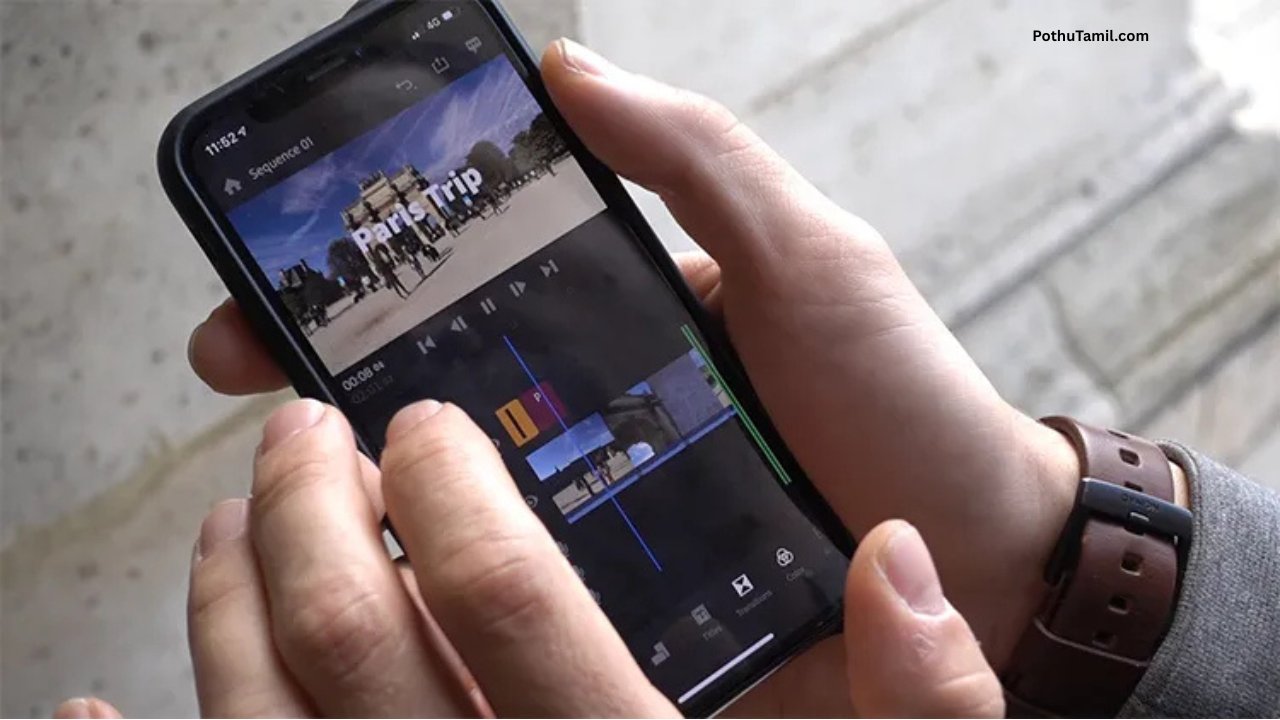
Premiere Elements is designed to make video editing more accessible. It provides Quick, Guided, and Advanced editing modes, along with automated features, creative templates, and tools for everyday video projects.
Beginners, casual creators, and users who prefer guided editing may find Premiere Elements suitable. Professional editors, filmmakers, and production teams may prefer Adobe Premiere for its broader editing capabilities.
The right application depends on the type of video being produced and the level of control required.
Adobe Video Editing Software Pricing and Plans
Adobe offers different video editing purchasing options depending on the application and subscription requirements.
Adobe Premiere is available as a single-app subscription. Adobe’s India pricing page currently lists the individual Premiere plan at ₹389 per month, including GST, for the first year on an annual plan billed monthly for eligible new subscribers. The regular listed price is ₹733.96 per month. Promotional pricing and eligibility conditions can change.
Premiere Elements 2027 follows a different purchasing model. Adobe lists it in India at ₹7,982.70, including GST, for a three-year term licence. The licence is a one-time purchase and does not automatically renew. After the three-year term expires, the application is no longer accessible, although the media catalogue in Elements Organizer remains accessible.
Users who need additional creative applications can compare Adobe Creative Cloud Pro, which includes Premiere along with other creative software such as Photoshop and After Effects.
Before purchasing, compare the included applications, subscription duration, licence conditions, storage requirements, and current regional pricing.
You can review the latest options on Adobe’s official Premiere plans and pricing page.
Adobe Premiere for Professional Video Production
Professional video production often requires more than basic clip trimming. Editors may need to work with multiple cameras, detailed audio tracks, colour grading, motion graphics, and different export requirements.
Adobe Premiere provides a professional editing environment for these tasks. It can be used for commercial advertisements, interviews, documentaries, promotional campaigns, and online video production.
Production teams can also combine Premiere with After Effects and Audition when projects require advanced motion graphics or specialised audio editing.
This makes Adobe’s professional video editing ecosystem relevant to creative agencies, freelance editors, filmmakers, and businesses that produce video content regularly.
Tips for Getting Better Results with Adobe Video Editing
A good video editing workflow begins with organising the original footage. Grouping video clips, audio recordings, and supporting media before editing can make complex projects easier to manage.
Use a consistent frame rate and suitable sequence settings for the project. Make colour adjustments carefully so that different scenes maintain a natural and consistent appearance.
Audio should also be reviewed throughout the editing process. Dialogue must remain clear, and background music should not overpower important speech.
Finally, select export settings according to the intended platform and review the finished video before publishing or delivering it to a client.
Conclusion
Adobe Video Editing software offers solutions for different video production requirements, from accessible editing with Premiere Elements to professional production workflows with Adobe Premiere. Its timeline editing, AI-assisted features, colour correction, audio tools, visual effects, motion graphics, and export controls can help users create high-quality videos.
Before choosing an application, compare the editing features, subscription or licence costs, and level of control required for your projects. For professional video production and business content, Adobe Premiere provides a powerful editing environment, while Premiere Elements offers a more guided approach for simpler video projects.